If you’ve been using D5 Render for a while, you already know how much muscle it brings to real-time visualization. With version 2.11, the team hasn’t just added features-they’ve turbocharged the way we work. We’ve taken it for a spin, and here’s what’s worth knowing.
🔧 SMOOTHER WORKFLOWS, SMARTER TOOLS
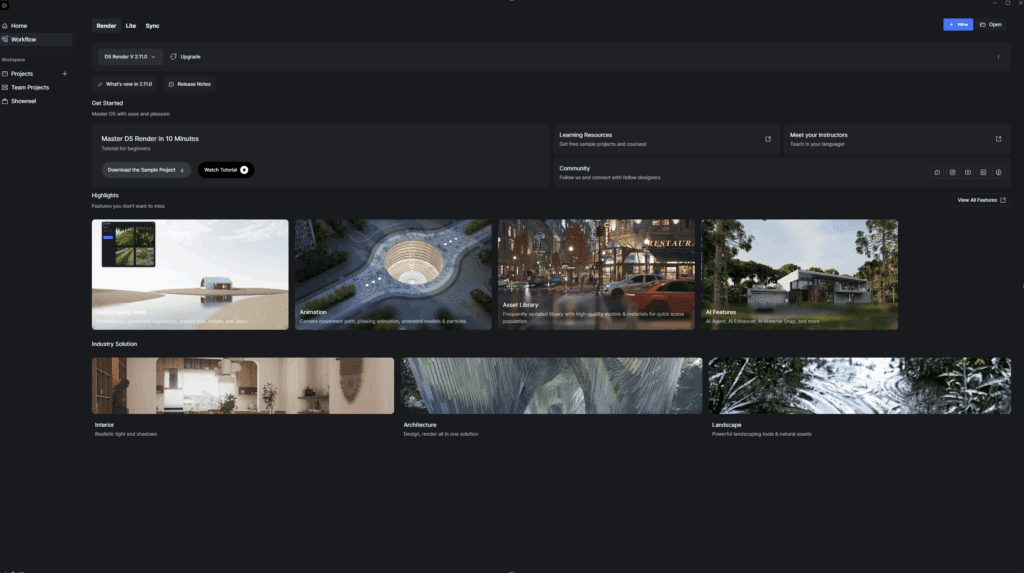
New D5 Launcher Replaces the pre-existing app. Everything feels less fragmented. No bouncing between websites, plugins or installs-just load up and get going.
D5 Bot is your built-in assistant, for any questions, workflow assistance or troubleshooting.
🥬 VEGE-DELIGHT
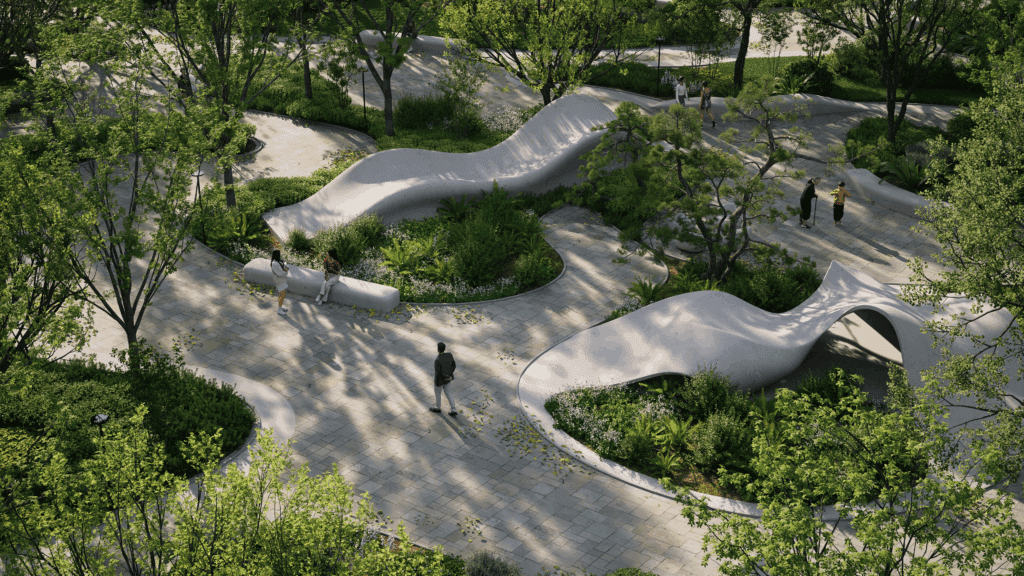
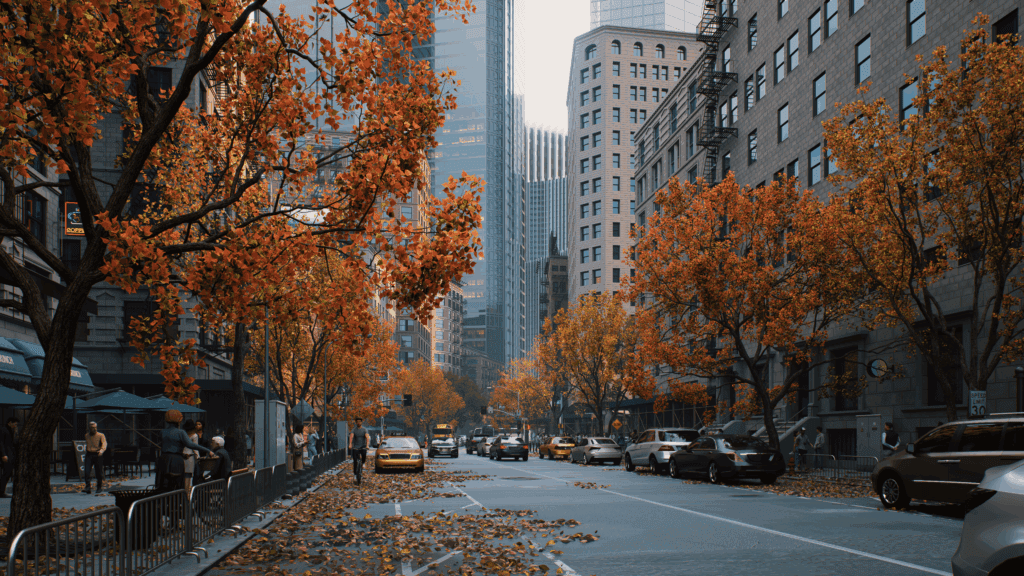
Whether you’re looking for quick population of vegetation or improving your D5 aptitude, your time matters:
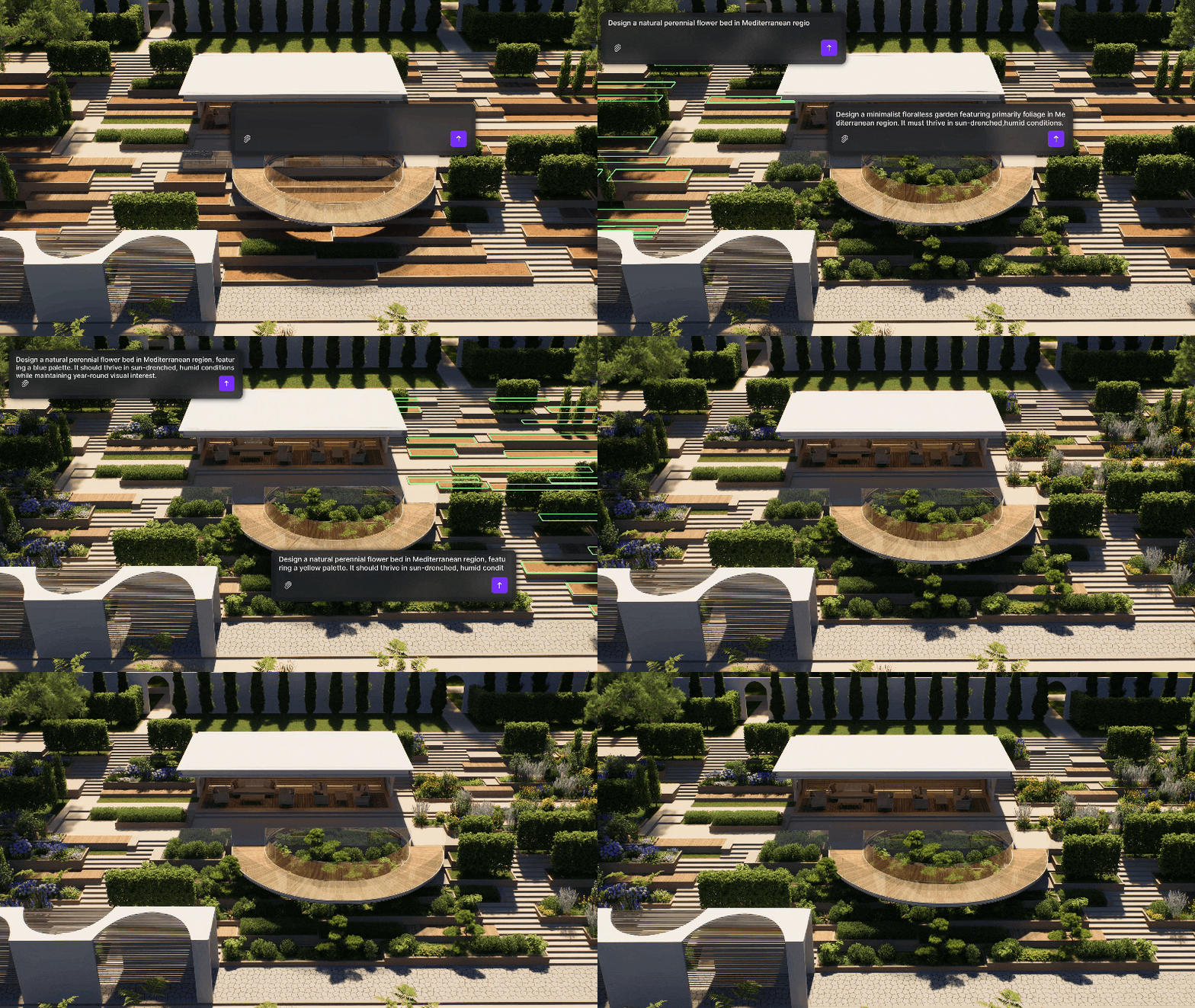
SmartPlanting allows automated design of climate-adaptive gardens, creating early stage designs quick and easy.
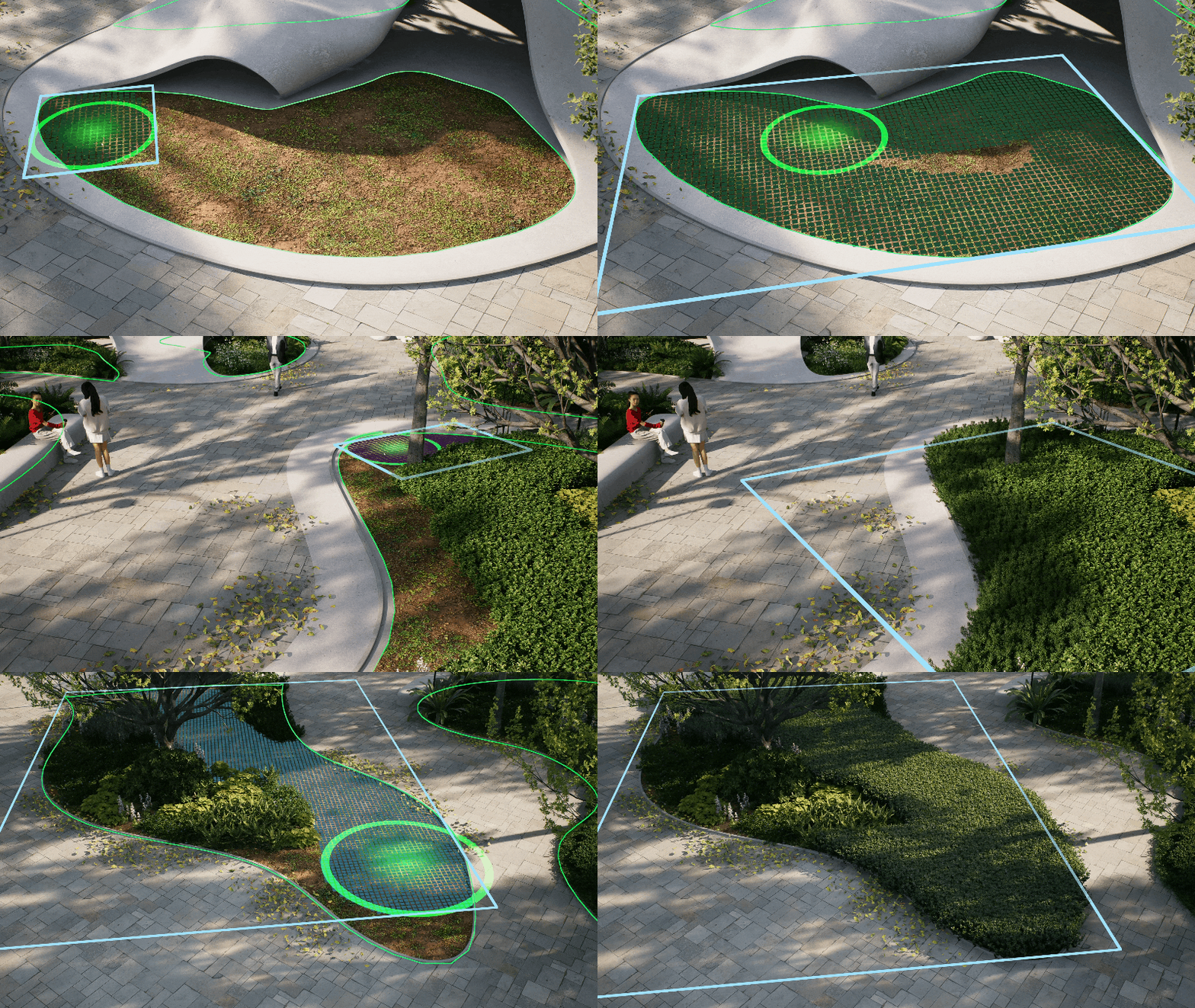
Advanced Scatter, Brush and Path Tools are an intelligent leap forward, taking painful arduous tasks and making them simple, quick and effective.
New Edge Divide allows precise division of scatter areas.
Custom Path Tool has improved with more flexibility and options to save presets for future use.
🖼️ DEVIL IN THE DETAIL
Materials make or break your 3D visuals. Sourcing the perfect ones is often an arduous and painstaking pursuit.
D5 Render offers some of the most advanced and reliable material solutions in the industry.
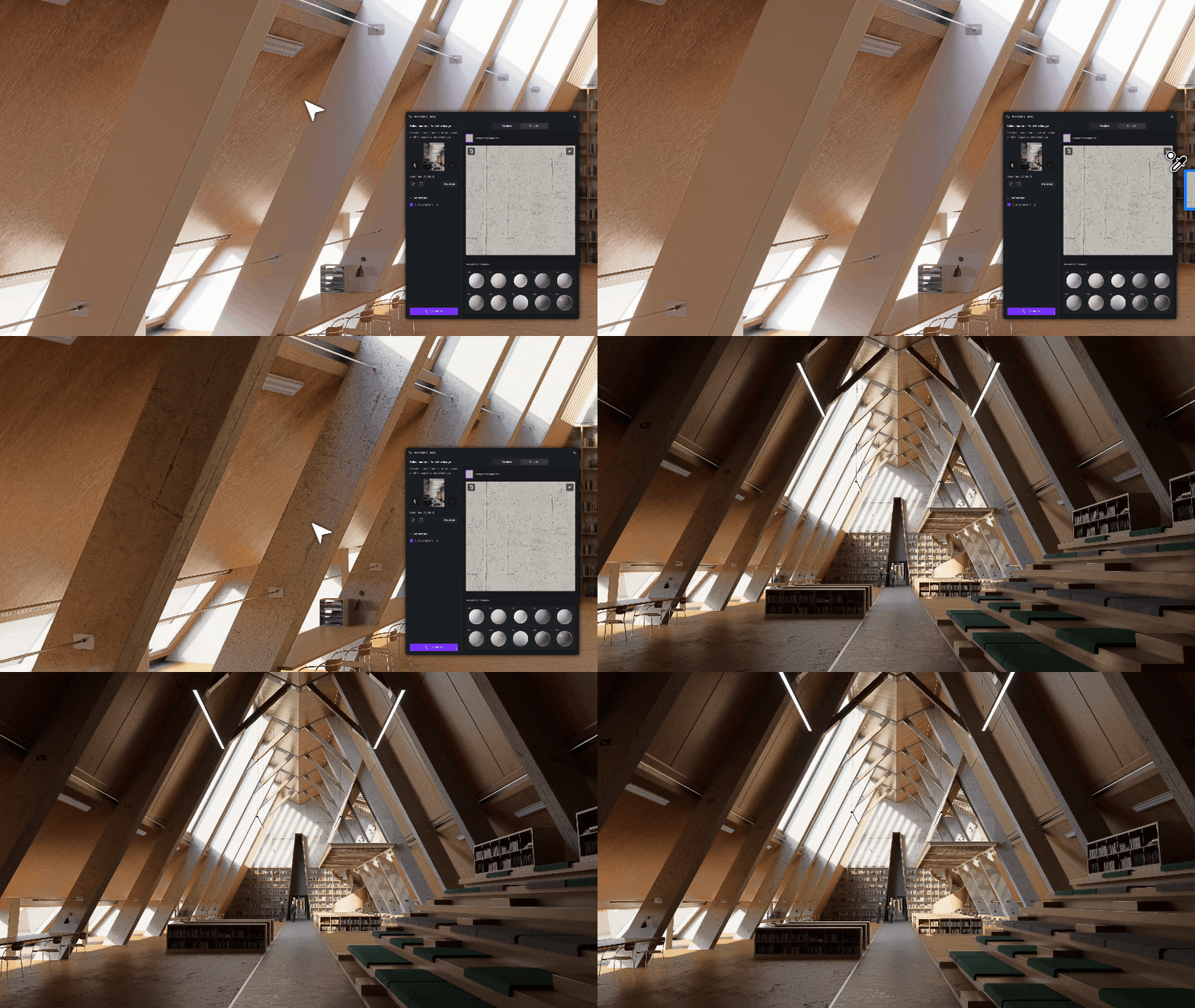
AI PBR Material Snap: Subjectively D5’s greatest tools, Make Seamless and Generate Texture have improved again. Drop in a reference image for immediate high-quality textures.
Material Match: Import your image into D5, select the resource list, right-click, and choose “AI material match.” D5 selects the closest match from the library.
Texture Maps: Don’t like the D5 stock materials? Use any image, D5 generates texture maps (normal, roughness, height) to add depth and realism to the scene.
Make Seamless: No more spent hours hunting for or creating textures that don’t repeat horribly. Do it with D5 in a single click.
💡 TURN ON THE LIGHTS
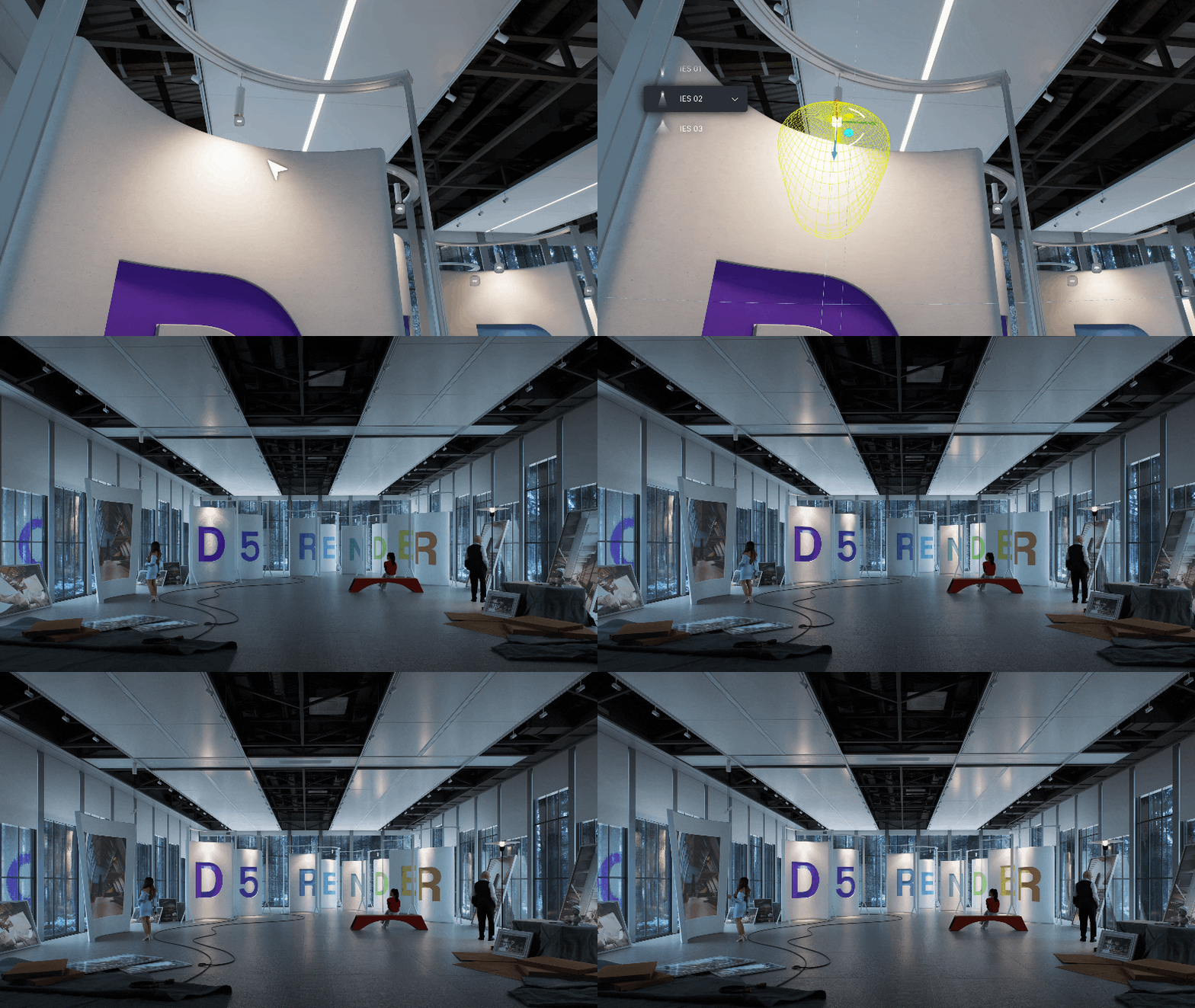
Disc Lights better simulate lights from circular panes.
Enhanced IES control allows for automated IES application in the viewport.
🧑🤝🧑 SHARING IS CARING
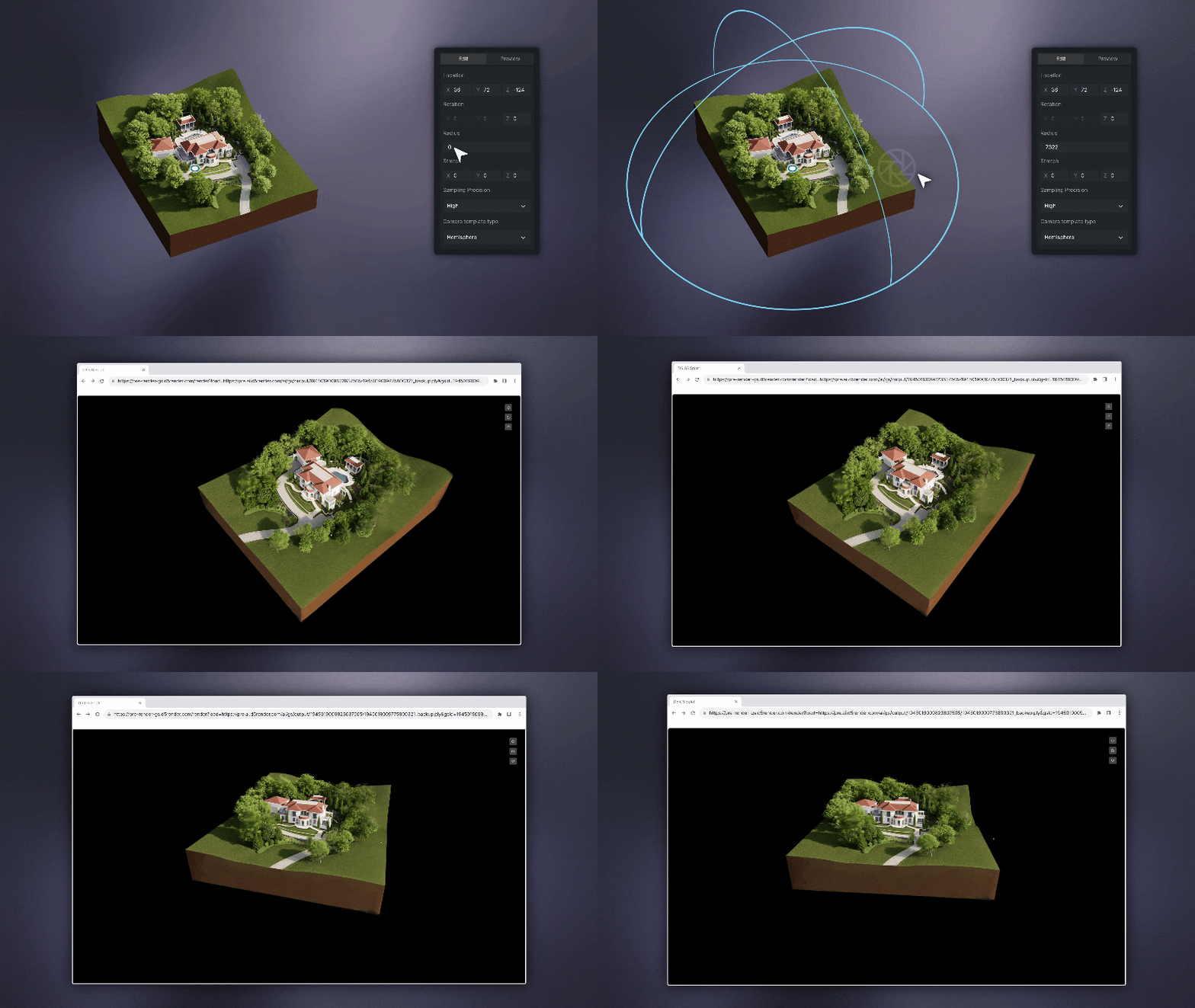
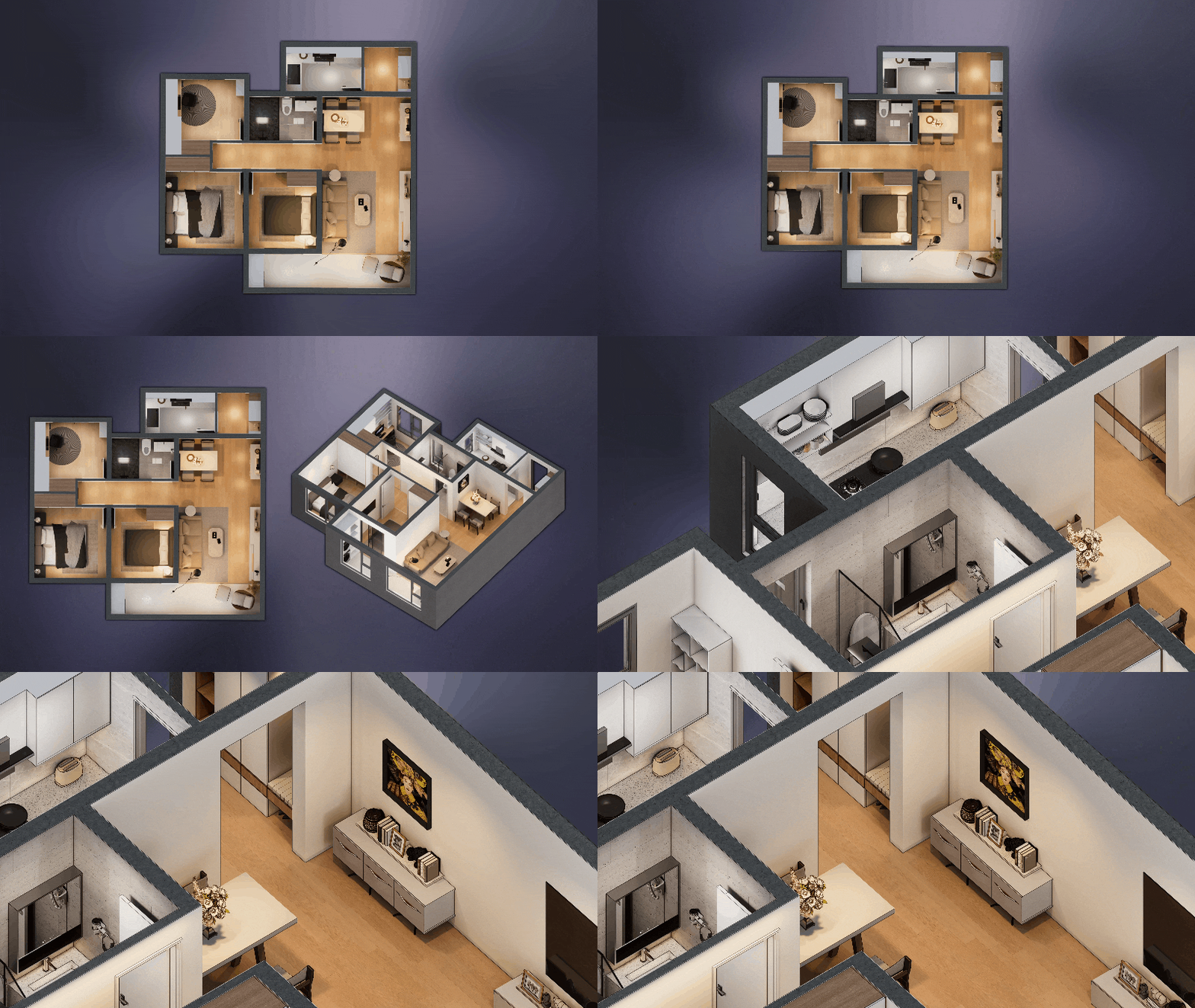
XR Tour generates an online sharable model. You may wonder how this is different to Virtual tour? We recommend XR for external and Virtual Tour for interiors.
📸 QUALITY THAT SPEAKS FOR ITSELF
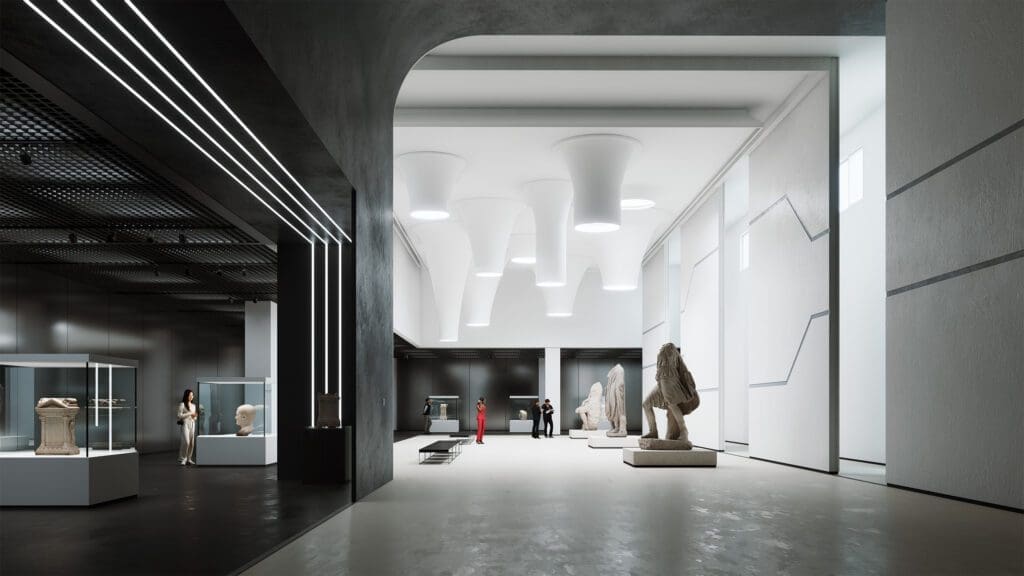
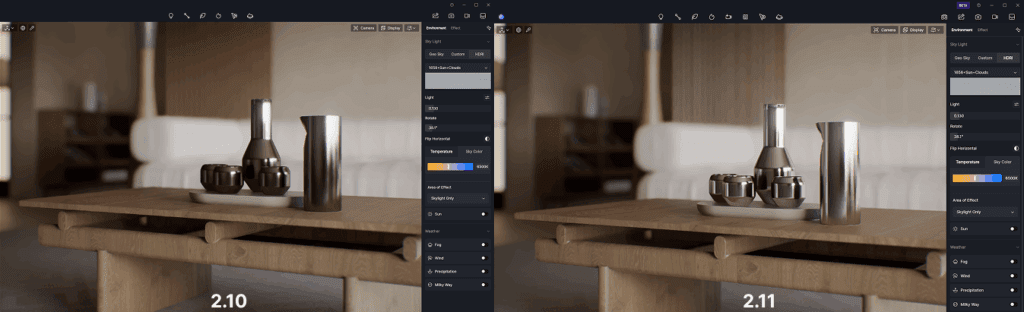
Real-time path tracing (RTPT) is now officially here – not a beta – not a demo. It gives your renders reflections, shadows, and atmosphere that rival traditional offline engines.
It’s perfect for early client previews where quality and speed both matter.
🤳 ALL THE ANGLES
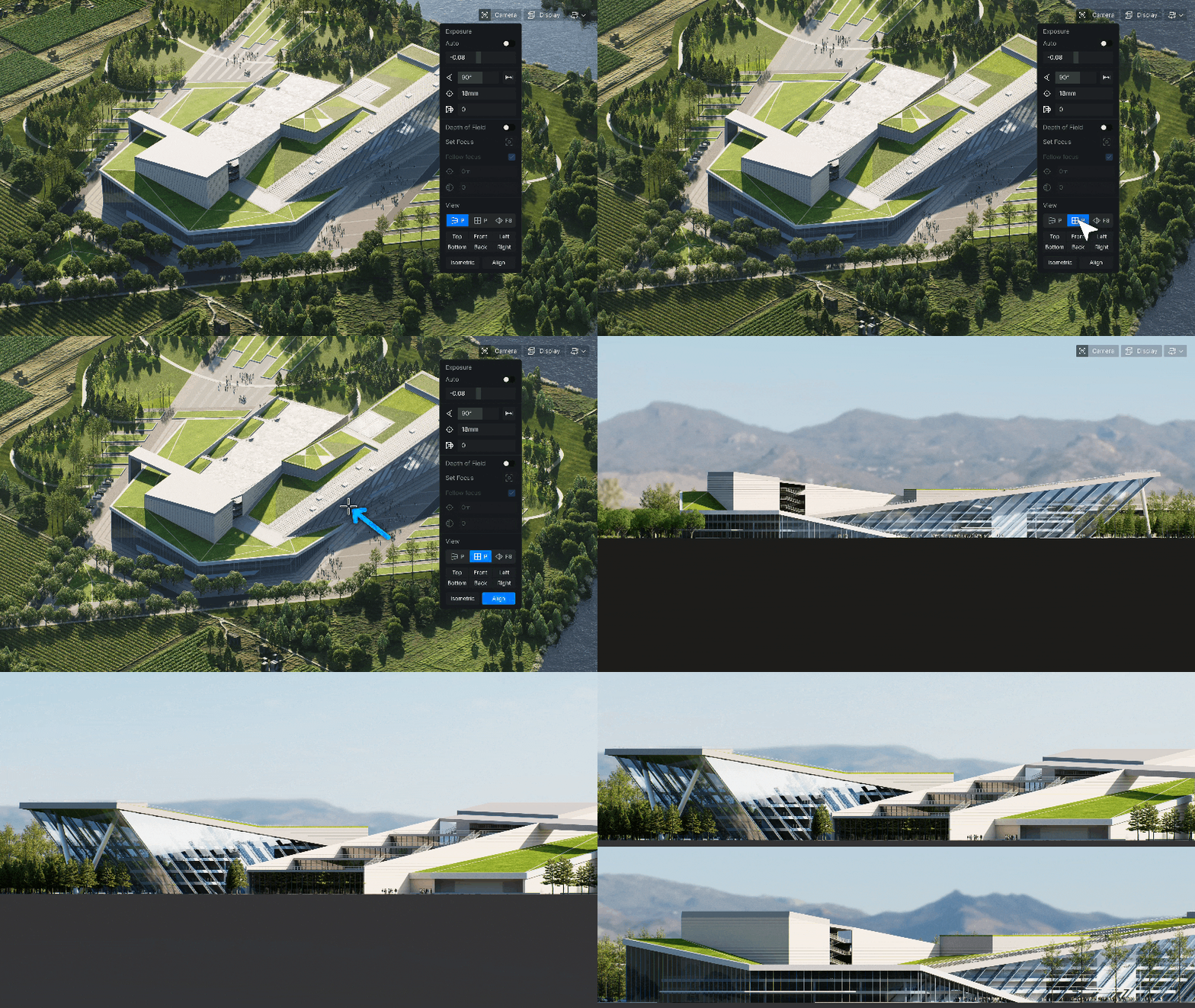
Parallel Projection: Orthographic views are now crystal-clear-ideal for technical presentations or construction visuals.
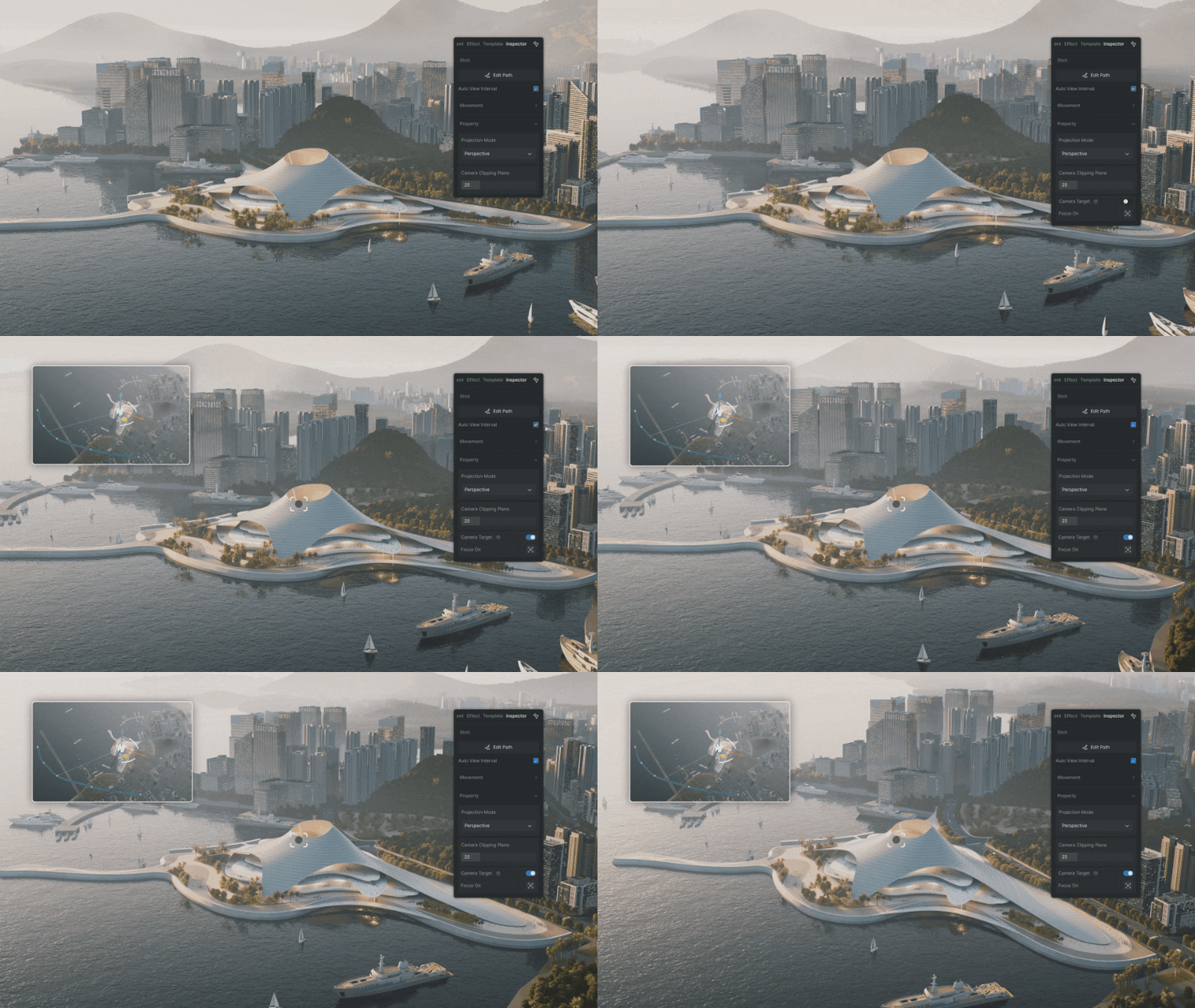
Camera Target Lock is a new, refined process for smooth animation by locking on an object.
💭 GREAT APPS THINK ALIKE
With many stakeholders at play, collaboration is a moving target for those navigating multiple software solutions. D5 is ever-evolving, allowing for greater interoperability across CAD platforms and supported file types.
🌏 THE WORLD IN YOUR HANDS
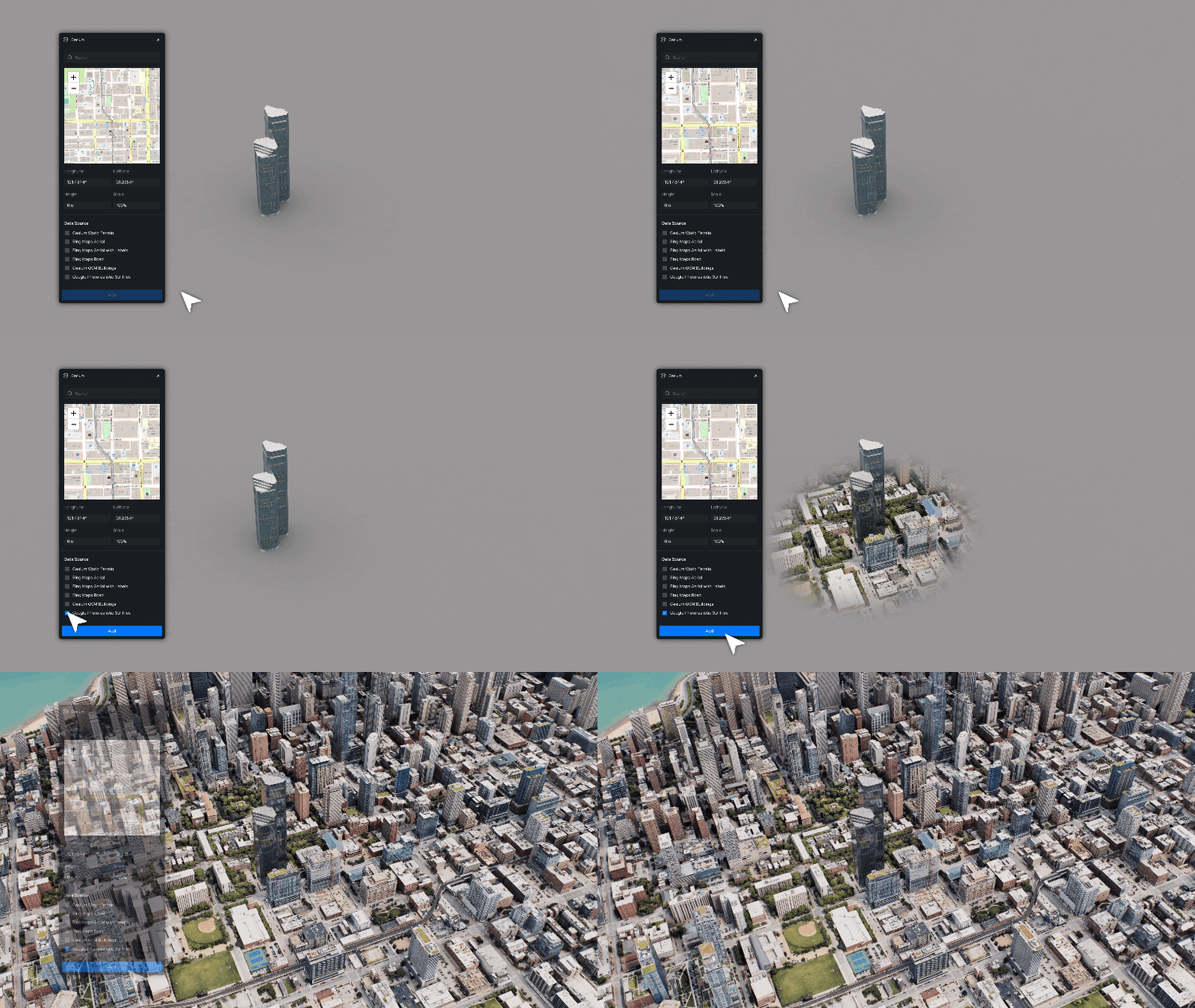
Cessium Integration is a HUGE improvement, allowing for real-world context that works anywhere (almost).
If you’ve been putting off trying the AI features or sticking to old workflows, now’s a good moment to explore. These tools don’t replace your skill, they amplify it.
Still not convinced? We get it, there are many great solutions.