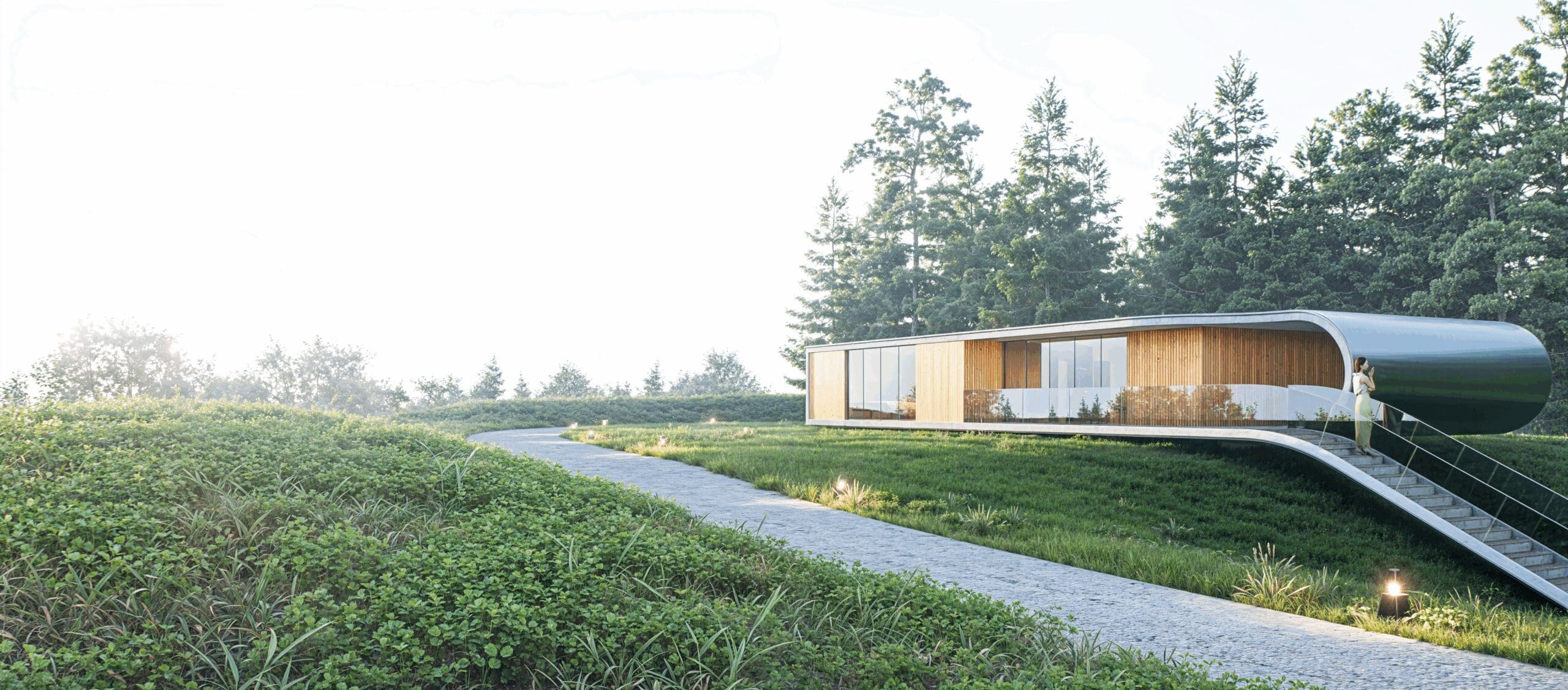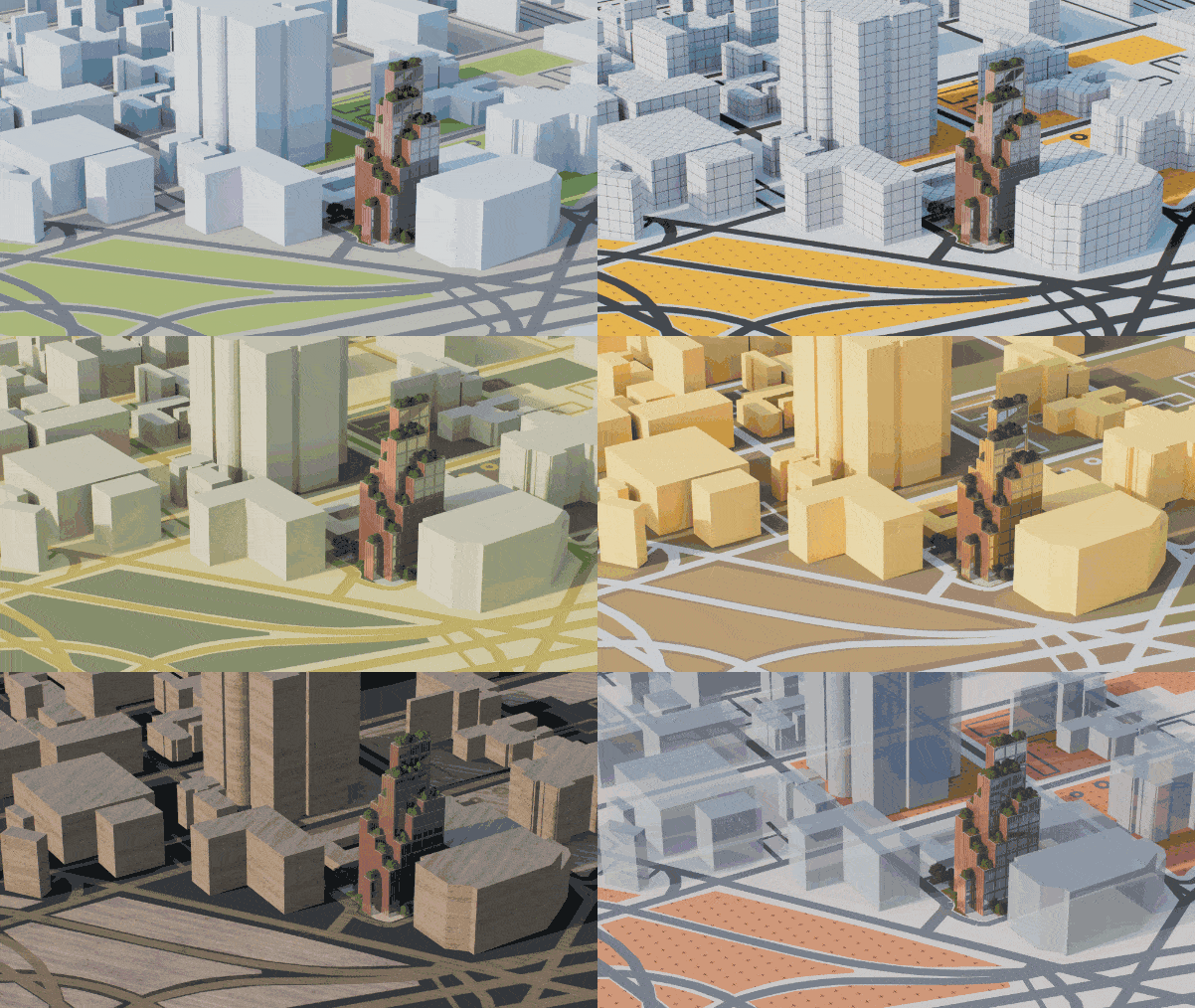
FORMA, A PROMISING STEP IN BUILDING DESIGN.

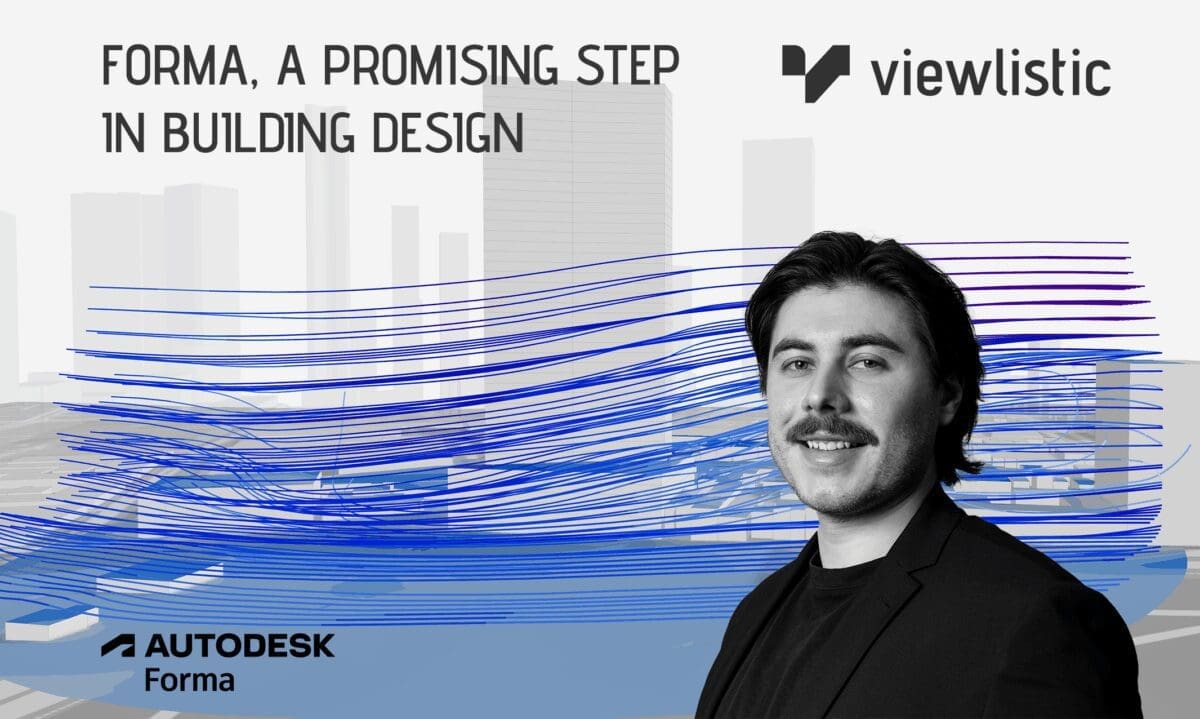
Exploring Autodesk Forma: A Promising Step in Building Design

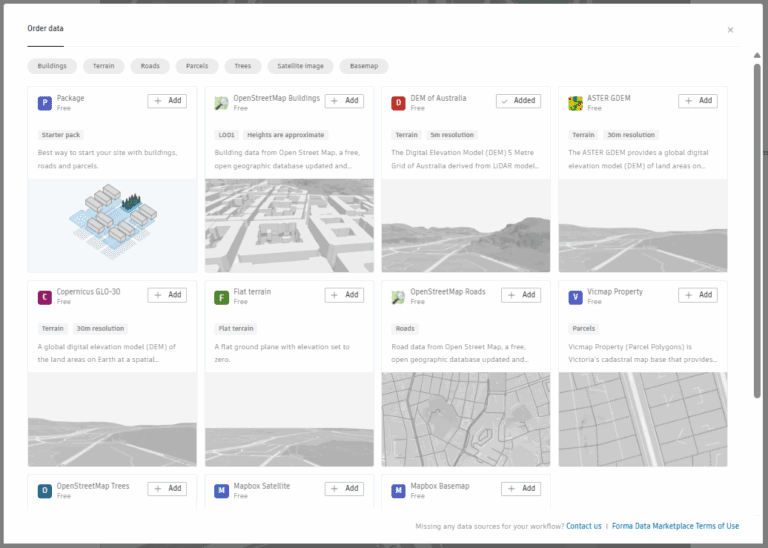
Autodesk Forma is quickly emerging as one of the most discussed tools in the design technology space, and for good reason. With an interface that’s easy to learn and a workflow designed for speed, Forma allows architects and designers to generate meaningful insights right at the start of a project. By delivering analysis results in minutes, it makes it easier to test ideas, present clear outcomes to clients, and transition into Revit modelling with confidence thanks to its seamless interoperability. On top of that, users can load in contextual or other data directly from the marketplace.
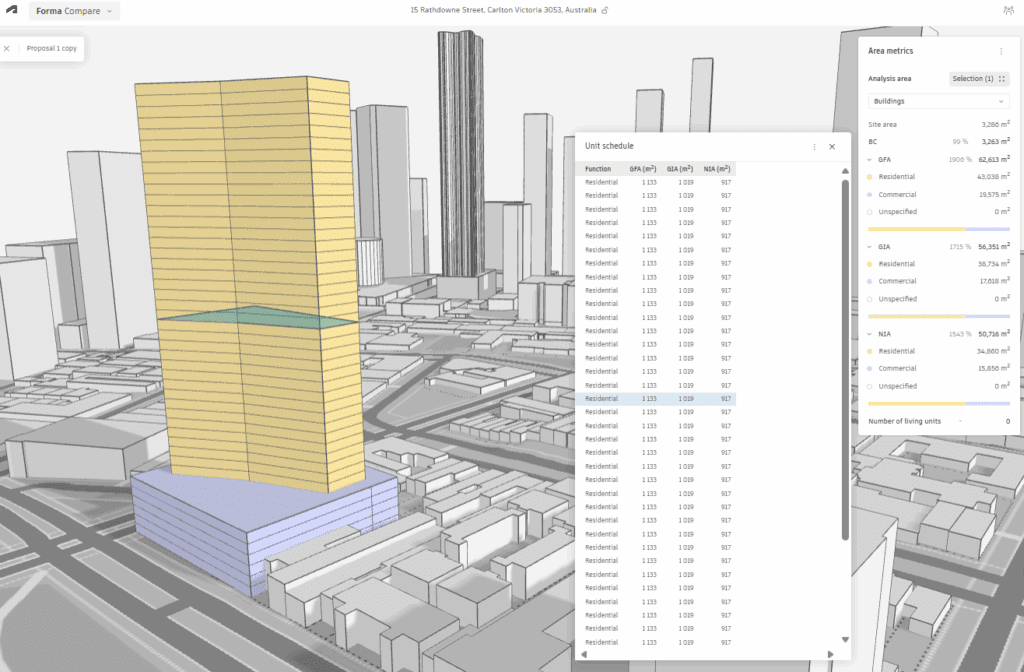
🔧 AREA ANALYSIS

Drawing on site and contextual data from Australia’s Digital Elevation Model (DEM), Forma enables quick calculations of site and building areas. This brings early clarity to project potential, often without needing a section 32 or feature survey, giving feasibility and concept design an immediate head start.
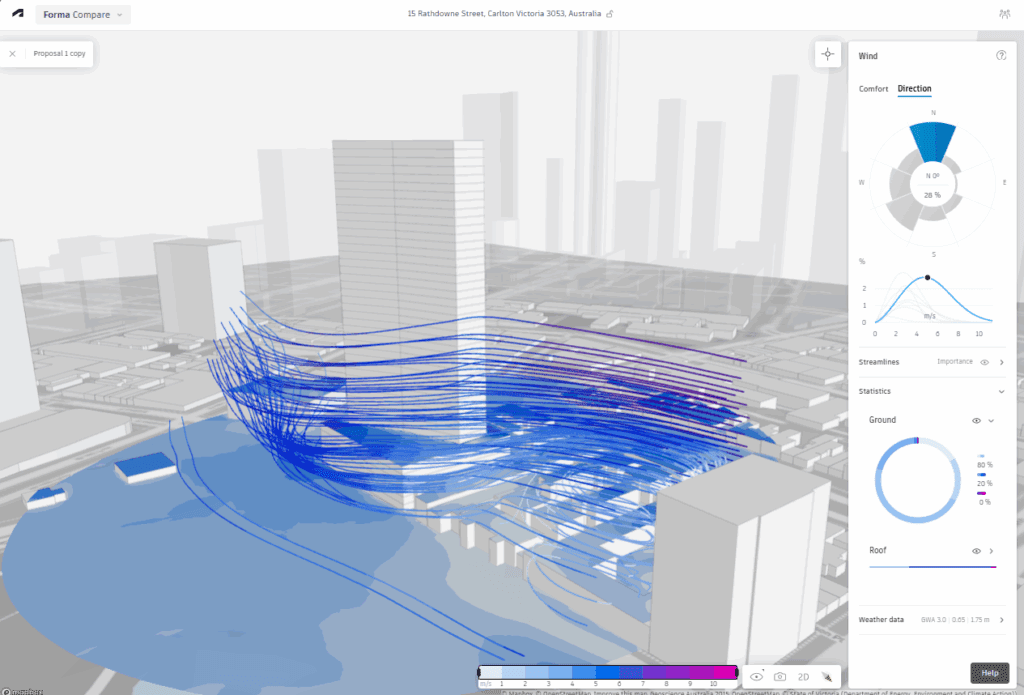
WIND ANALYSIS

Forma integrates local climate datasets to simulate how wind moves through and around a site. Designers can test how early massing responds to airflow, informing decisions around comfort, orientation, and site layout long before detailed modelling begins.
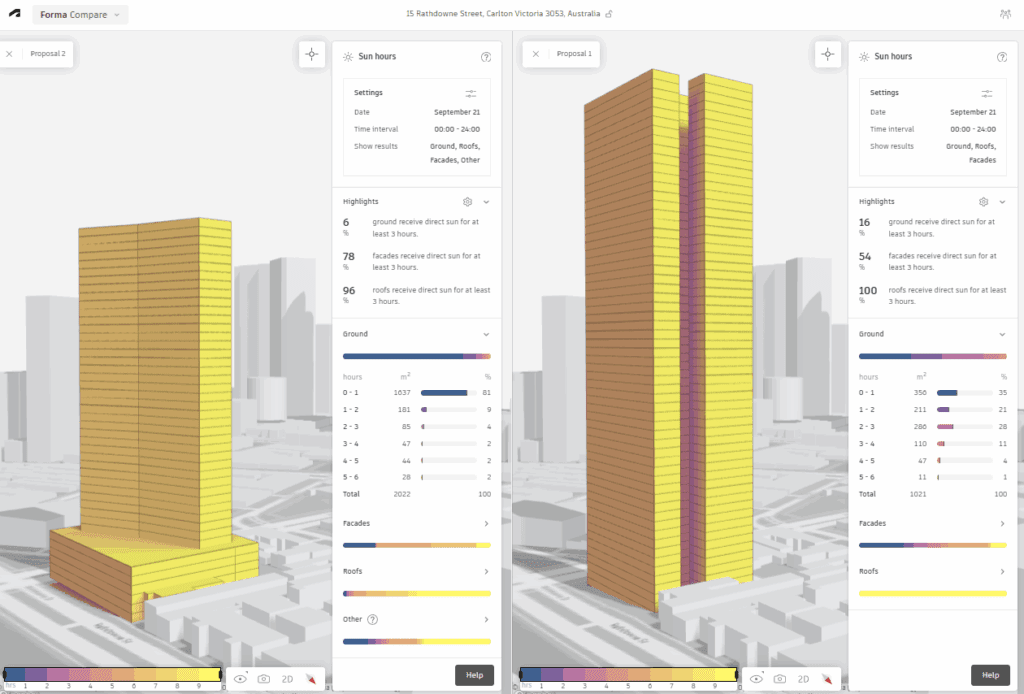
SUN HOURS ANALYSIS

Using geolocation and solar path data, Forma calculates the amount of sunlight different areas of a building or site receive across the day and year. These insights help guide discussions on energy performance, shading requirements, and overall comfort, providing clients with a clearer understanding of design impact at an early stage.
MORE THAN JUST ANALYSIS

Beyond its environmental studies, Forma offers a growing suite of tools designed to streamline early design decision-making. A built-in compare tool allows different options to be tested side by side, while a shared collaboration space gives stakeholders visibility and a platform for feedback from the earliest stages. And as projects progress, Forma’s interoperability shines: studies can connect not only to Revit but also to Autodesk Docs and ACC, keeping information flowing across the broader project ecosystem.


At its core, Forma is about making analysis more accessible and connected, giving teams the ability to bring data into design conversations right from day one. We’ve also seen some exciting updates announced at the recent Autodesk University, so sit tight for more details. If you’d like to explore how Forma could fit into your projects, get in touch for a demo or training session.
D5 Render NEW 2.11

Why D5 Just became a no-brainer!

TELL ME WHY?

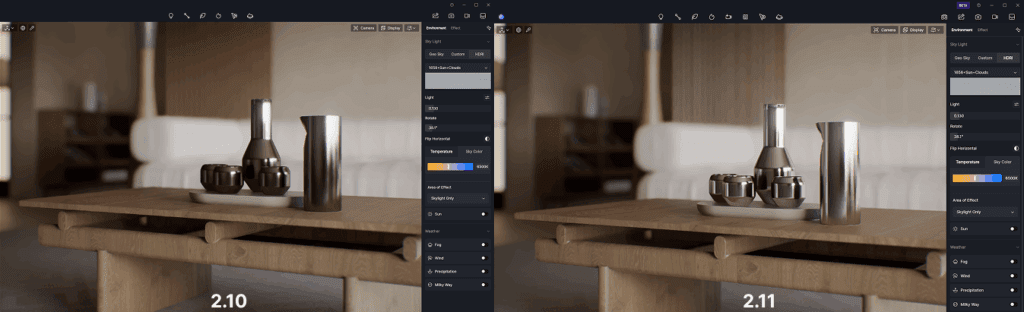
If you’ve been using D5 Render for a while, you already know how much muscle it brings to real-time visualization. With version 2.11, the team hasn’t just added features-they’ve turbocharged the way we work. We’ve taken it for a spin, and here’s what’s worth knowing.
🔧 SMOOTHER WORKFLOWS, SMARTER TOOLS

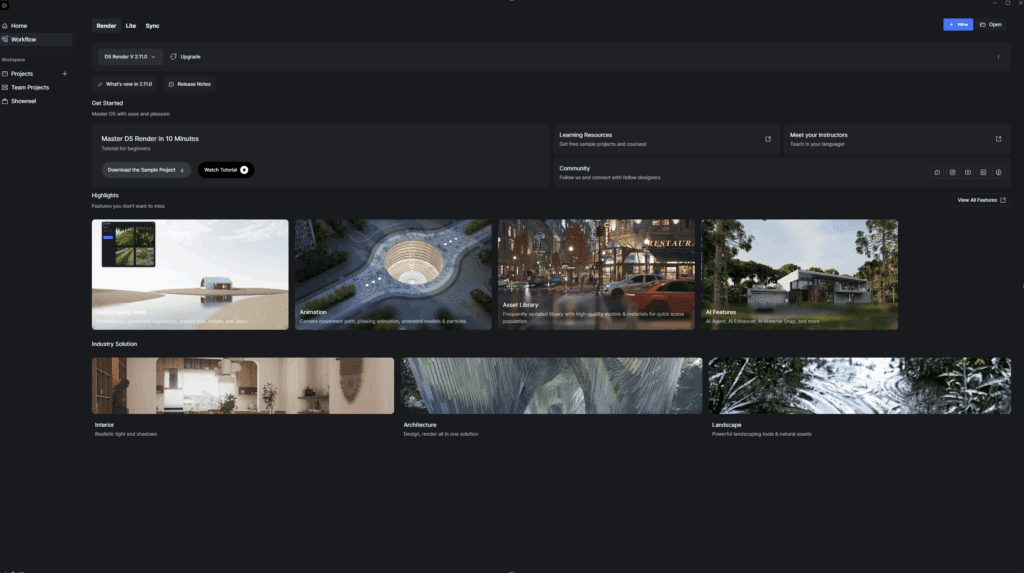
New D5 Launcher Replaces the pre-existing app. Everything feels less fragmented. No bouncing between websites, plugins or installs-just load up and get going.

D5 Bot is your built-in assistant, for any questions, workflow assistance or troubleshooting. 

🥬 VEGE-DELIGHT

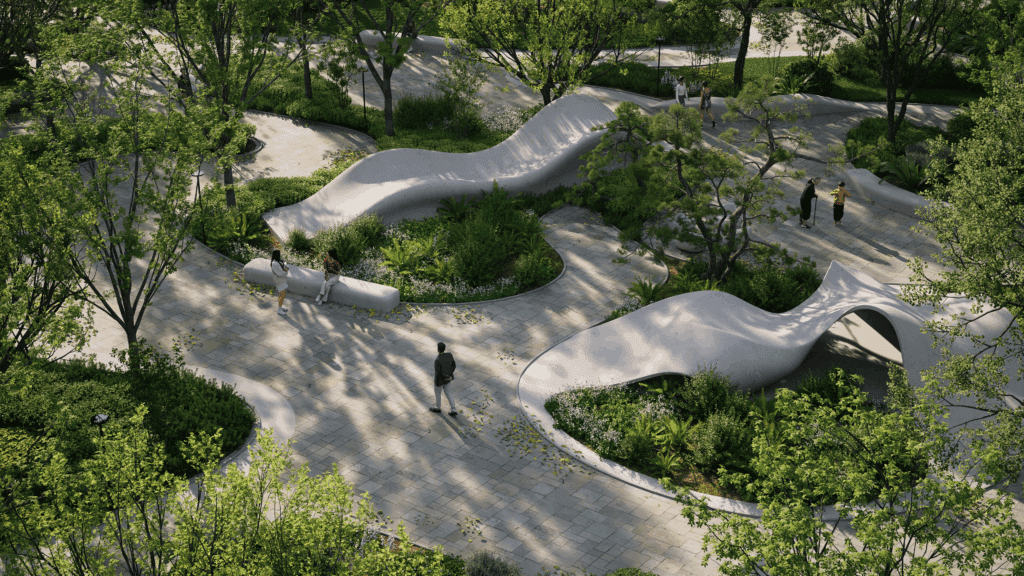
Whether you’re looking for quick population of vegetation or improving your D5 aptitude, your time matters:

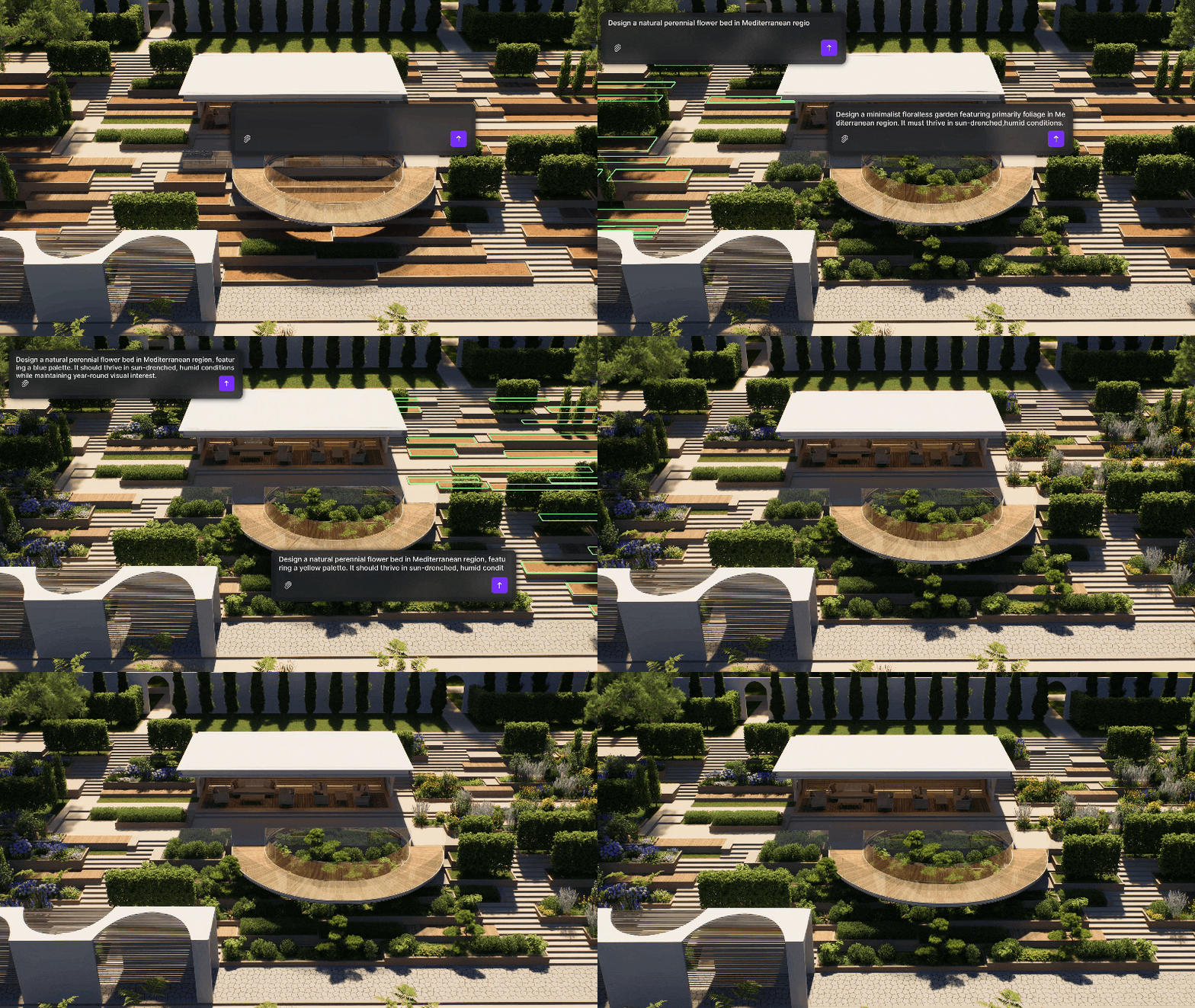
SmartPlanting allows automated design of climate-adaptive gardens, creating early stage designs quick and easy.

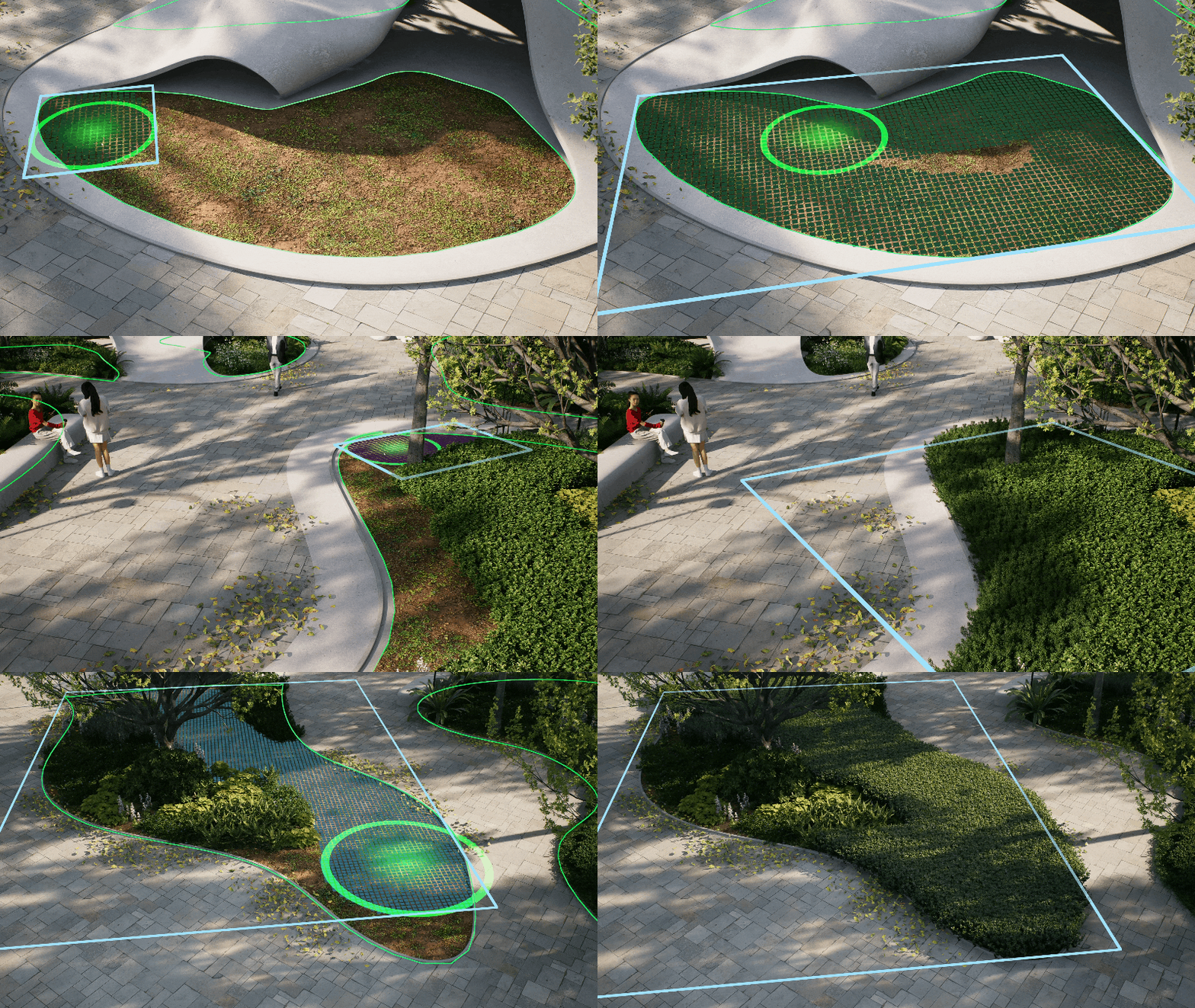
Advanced Scatter, Brush and Path Tools are an intelligent leap forward, taking painful arduous tasks and making them simple, quick and effective.

New Edge Divide allows precise division of scatter areas.

Custom Path Tool has improved with more flexibility and options to save presets for future use.

🖼️ DEVIL IN THE DETAIL

Materials make or break your 3D visuals. Sourcing the perfect ones is often an arduous and painstaking pursuit.

D5 Render offers some of the most advanced and reliable material solutions in the industry.

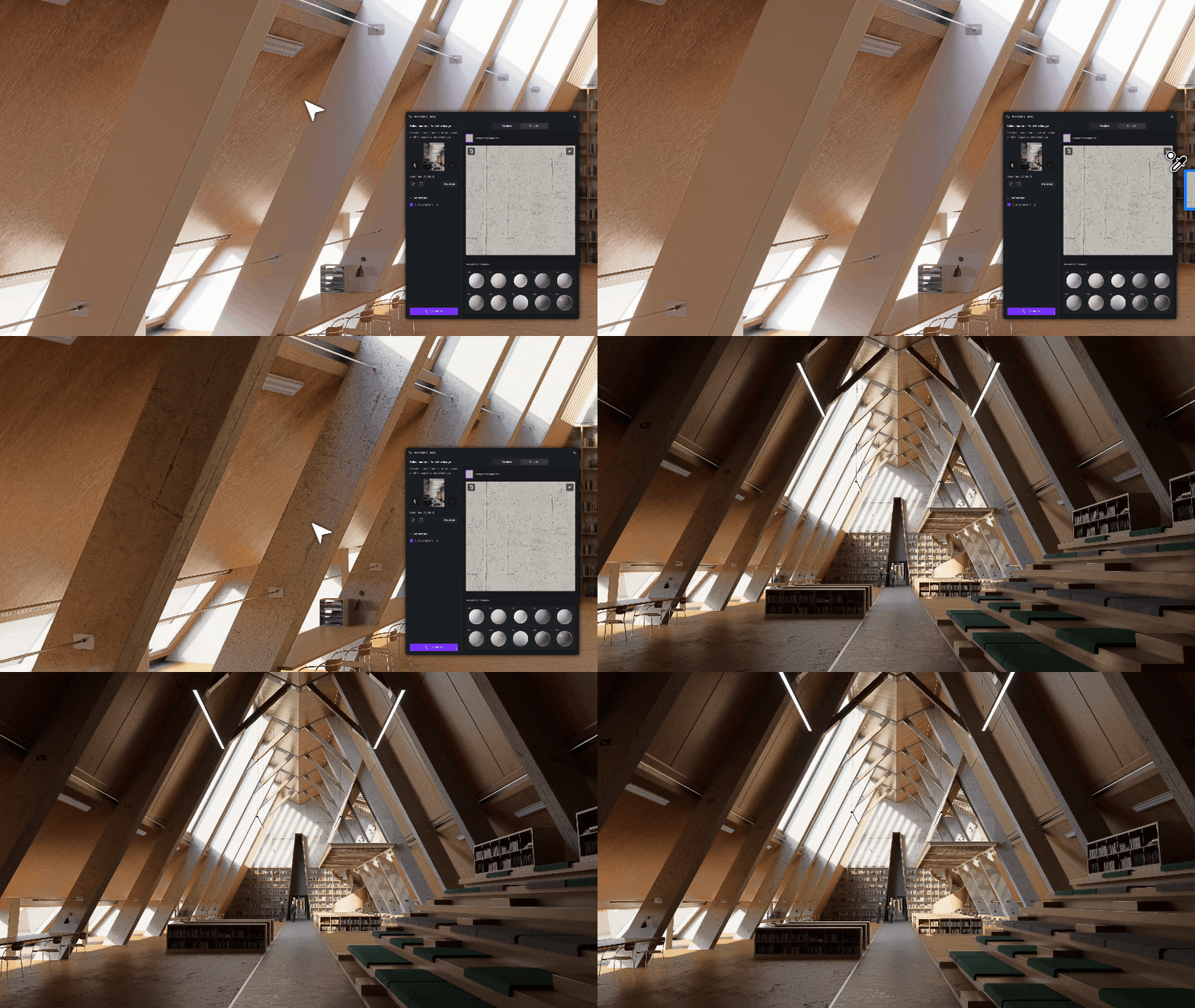
AI PBR Material Snap: Subjectively D5’s greatest tools, Make Seamless and Generate Texture have improved again. Drop in a reference image for immediate high-quality textures.

Material Match: Import your image into D5, select the resource list, right-click, and choose “AI material match.” D5 selects the closest match from the library. 

Texture Maps: Don’t like the D5 stock materials? Use any image, D5 generates texture maps (normal, roughness, height) to add depth and realism to the scene.

Make Seamless: No more spent hours hunting for or creating textures that don’t repeat horribly. Do it with D5 in a single click. 

💡 TURN ON THE LIGHTS

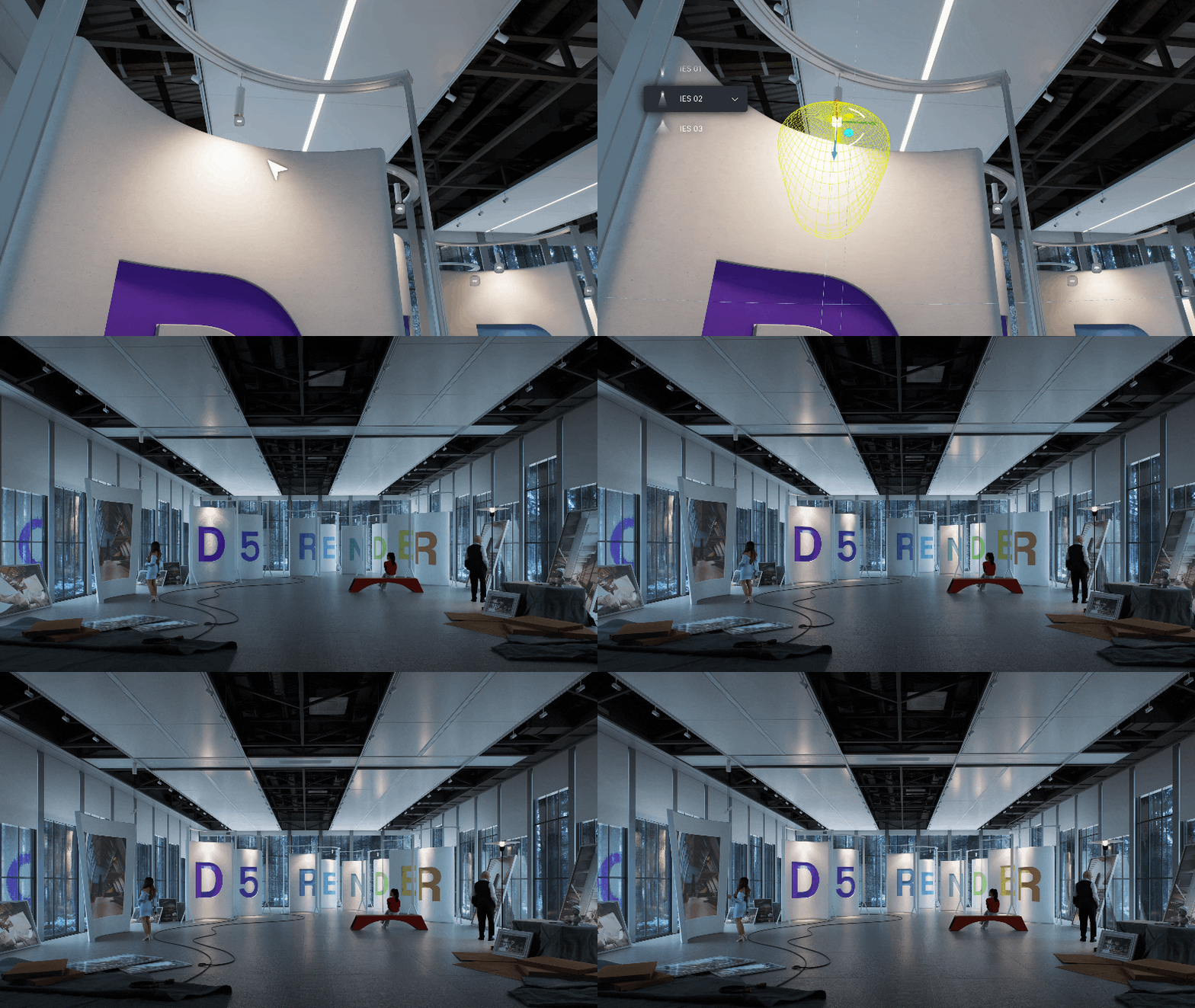
Disc Lights better simulate lights from circular panes.

Enhanced IES control allows for automated IES application in the viewport. 

🧑‍🤝‍🧑 SHARING IS CARING

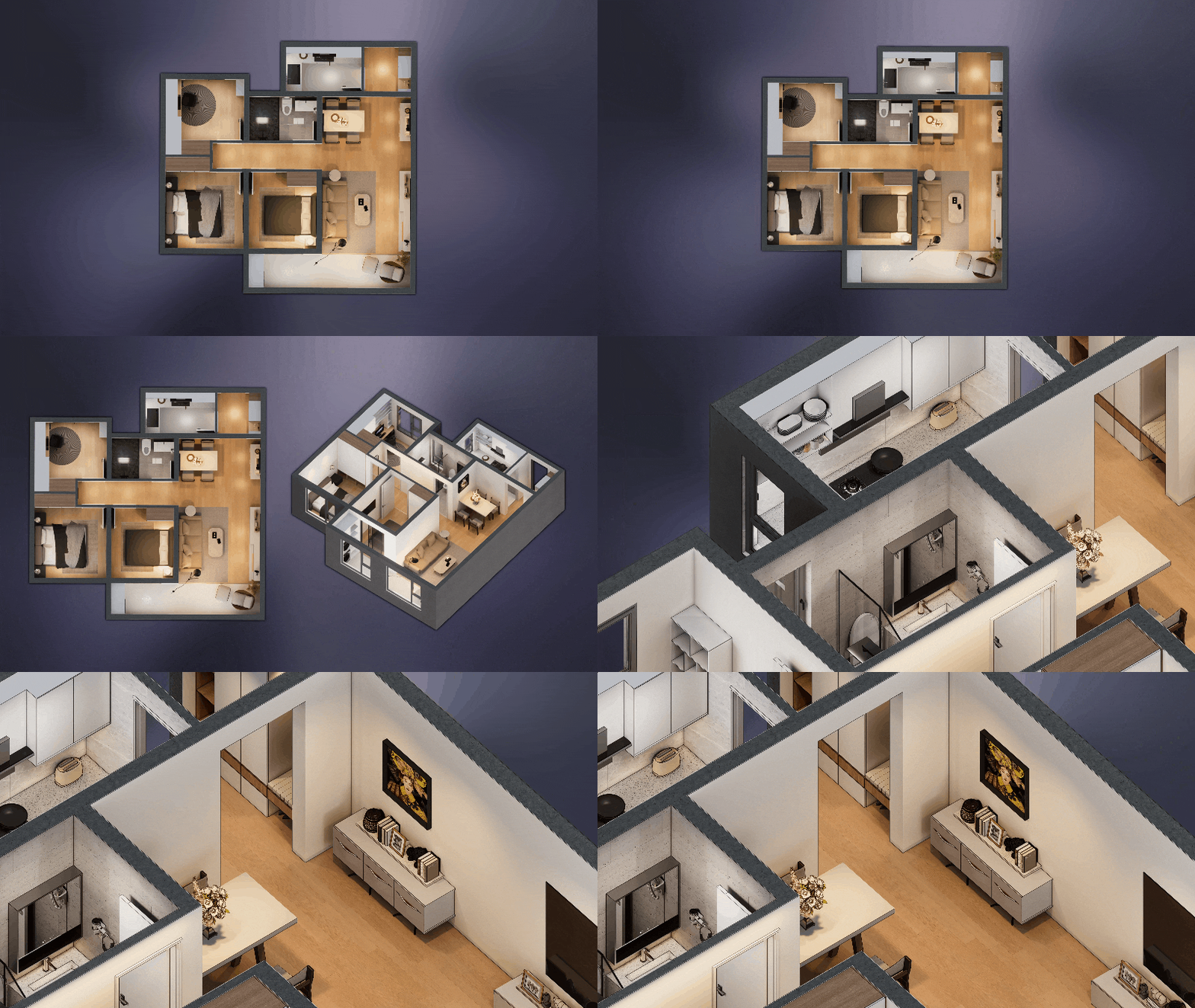
XR Tour generates an online sharable model. You may wonder how this is different to Virtual tour? We recommend XR for external and Virtual Tour for interiors.

📸 QUALITY THAT SPEAKS FOR ITSELF

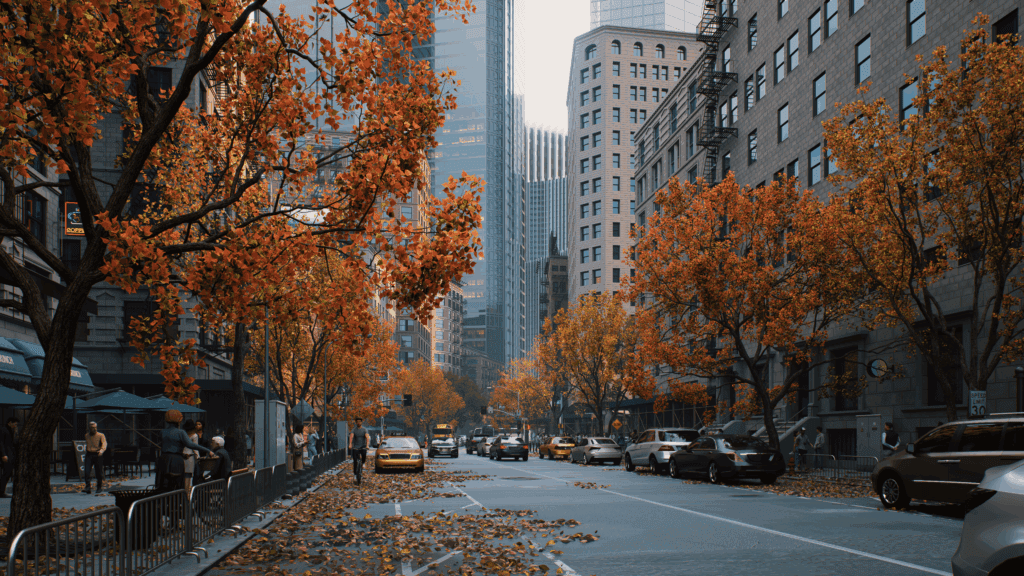
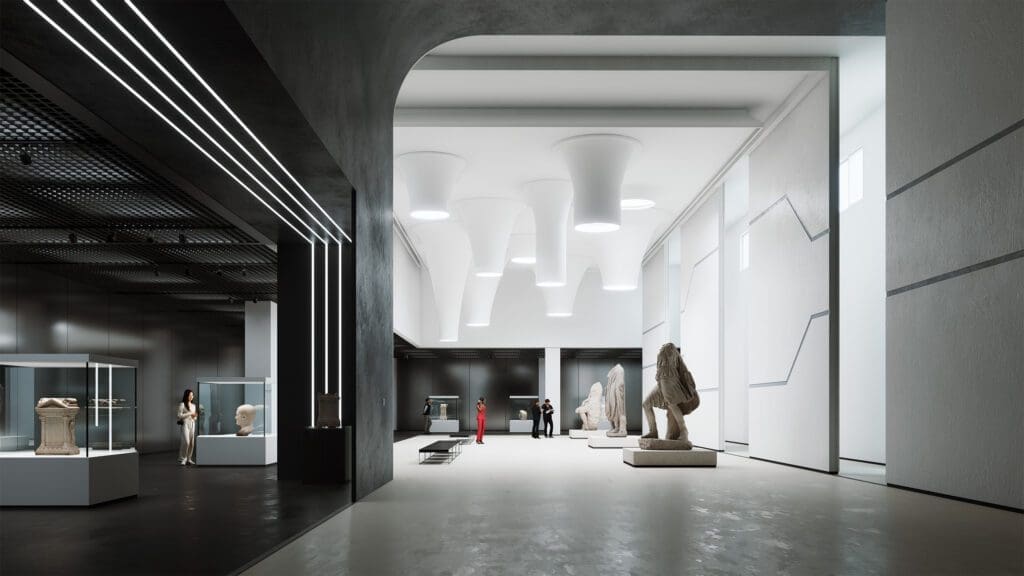
Real-time path tracing (RTPT) is now officially here – not a beta – not a demo. It gives your renders reflections, shadows, and atmosphere that rival traditional offline engines.

It’s perfect for early client previews where quality and speed both matter.

🤳 ALL THE ANGLES

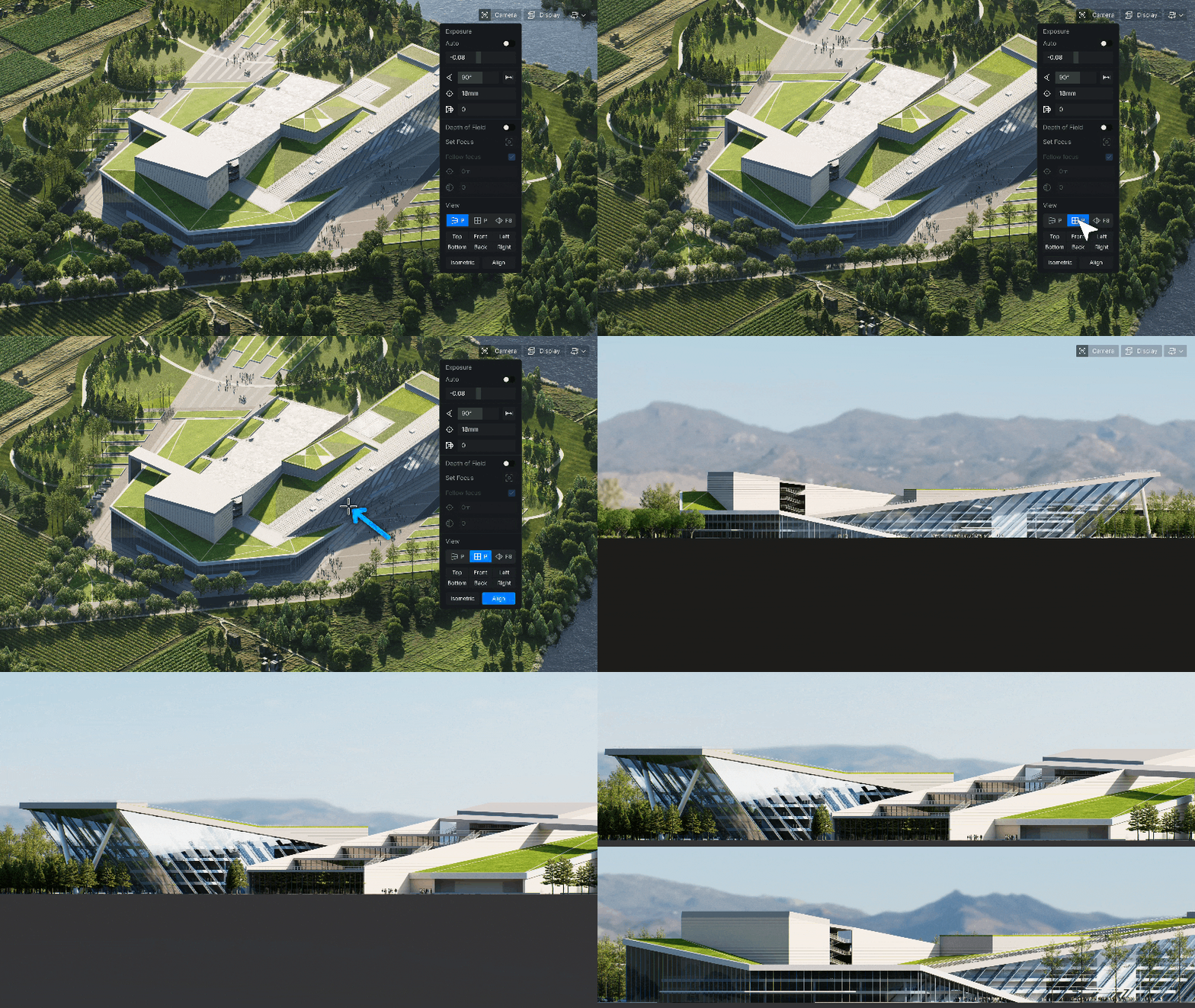
Parallel Projection: Orthographic views are now crystal-clear-ideal for technical presentations or construction visuals.

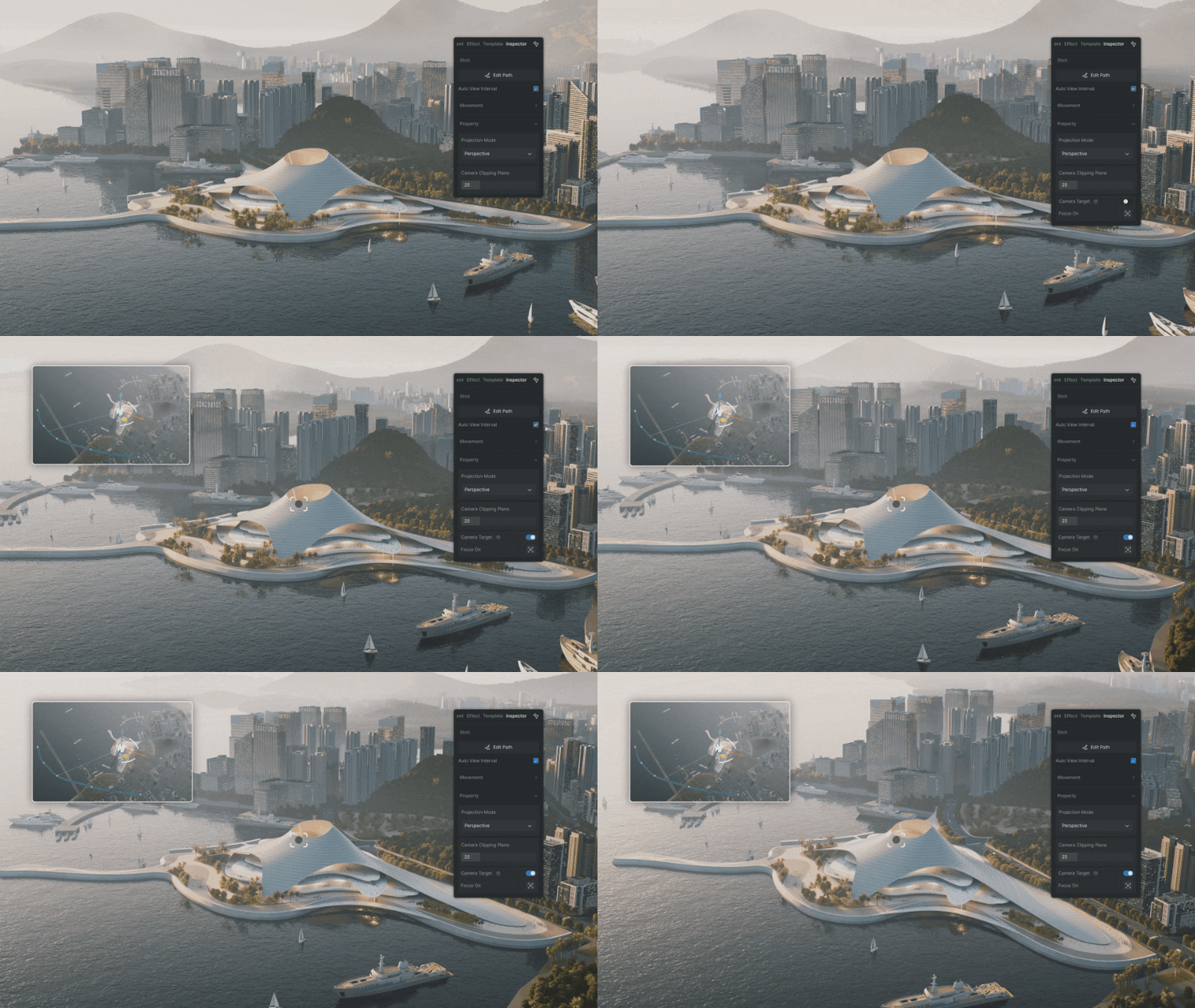
Camera Target Lock is a new, refined process for smooth animation by locking on an object.

💭 GREAT APPS THINK ALIKE

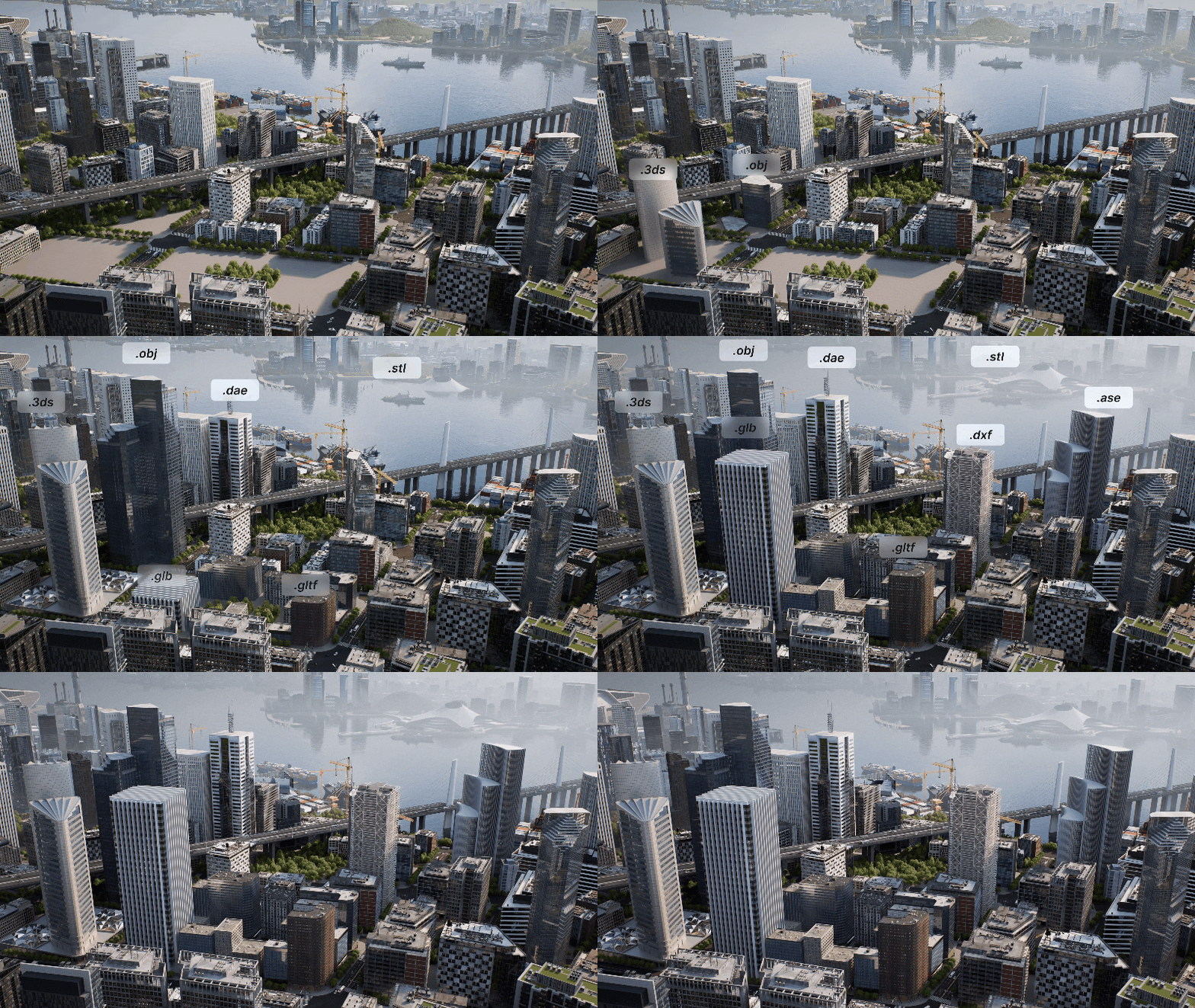
With many stakeholders at play, collaboration is a moving target for those navigating multiple software solutions. D5 is ever-evolving, allowing for greater interoperability across CAD platforms and supported file types.  

🌏 THE WORLD IN YOUR HANDS

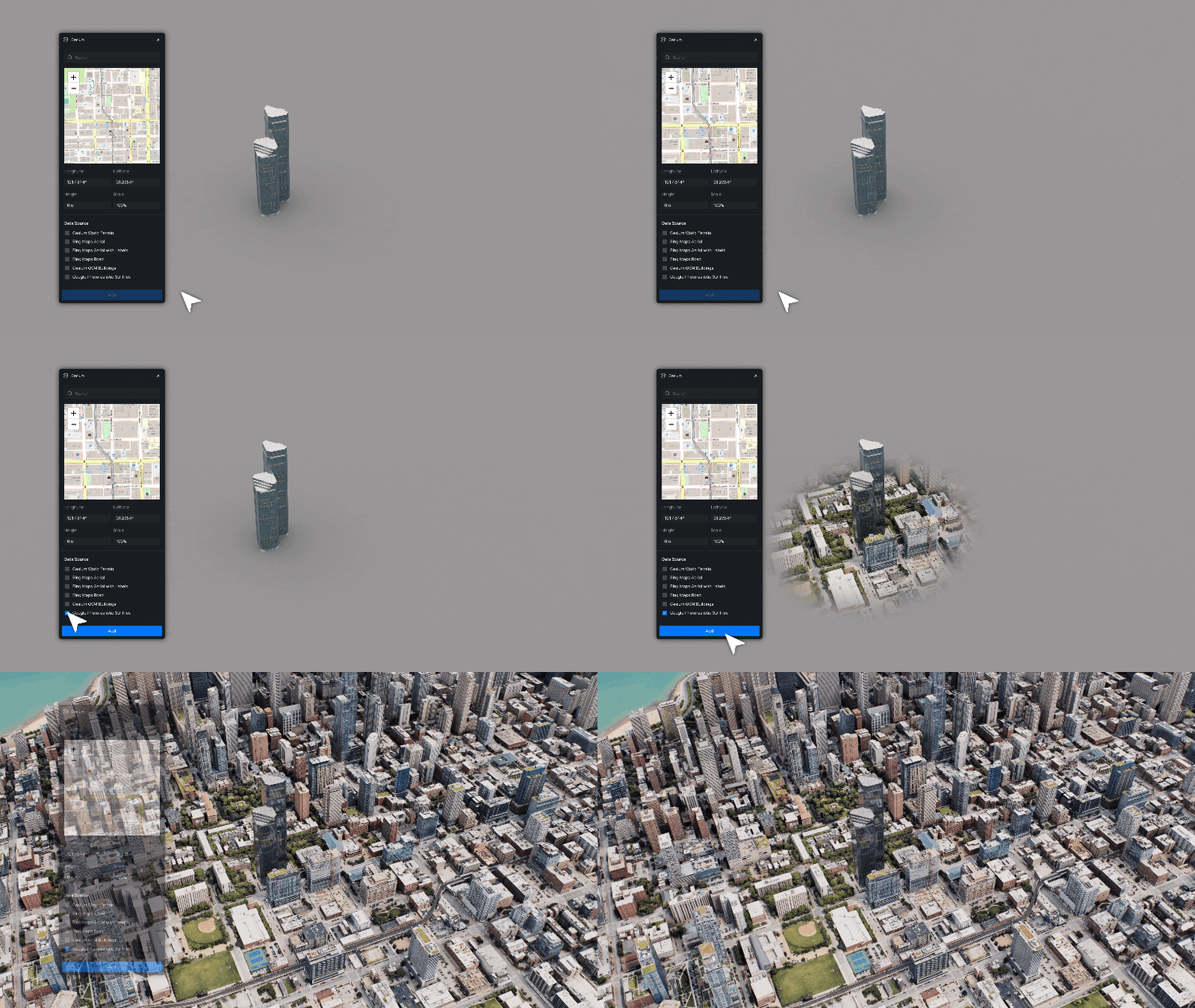
Cessium Integration is a HUGE improvement, allowing for real-world context that works anywhere (almost).

*NOTE* Only available with D5 Teams

⌛ WHY WAIT?

If you’ve been putting off trying the AI features or sticking to old workflows, now’s a good moment to explore. These tools don’t replace your skill, they amplify it.

Still not convinced? We get it, there are many great solutions.

To help make an informed decision head to D5 Render’s Youtube Channel, they have a range of informative feature videos and tutorials or see our D5 Render 2.10 release blog for additional features.

We’re also here to answer any questions or provide a live demo, please reach out to us at Support Viewlistic !

New Features in D5 Render 2.10

D5 Render 2.10 brings another leap forward, taking visualizations to the next level.

New features in D5 2.10

D5 2.10 brings a bunch of innovations that make rendering better, with smoother workflows and greater efficiency.

Real-Time Path Tracing

Path tracing is widely regarded as the gold standard for photorealistic rendering. Unlike traditional GI techniques that rely on approximations, path tracing simulates the physical behavior of light by tracing its interactions across multiple surfaces. Results are delivered without long rendering times, bringing a new level of quality to real-time visualization!

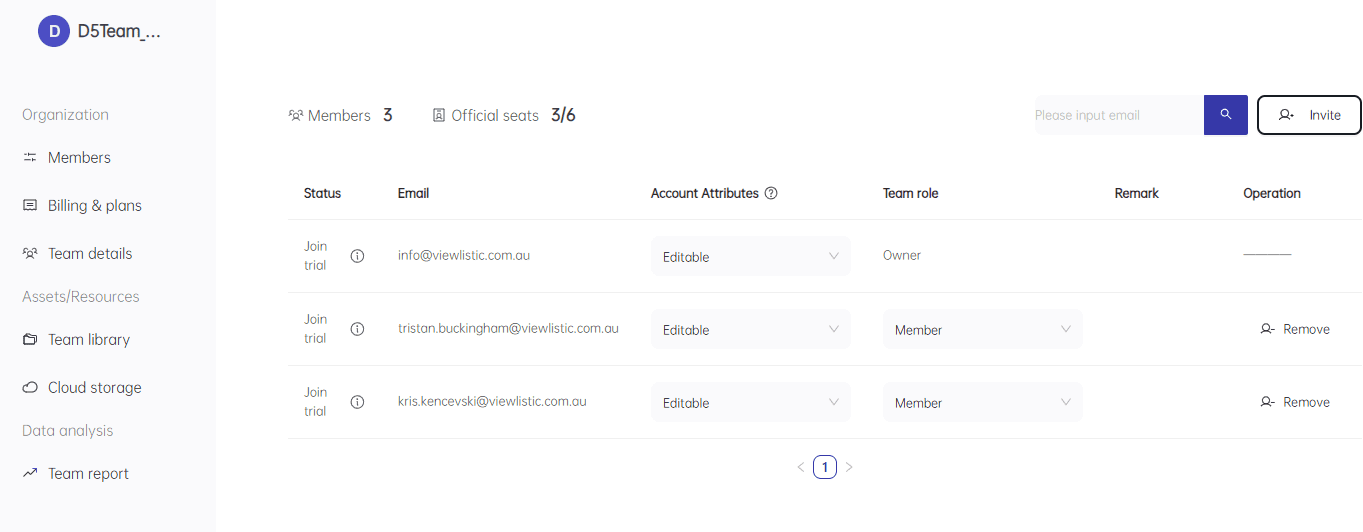
D5 for Teams

An organisational solution. Enhanced Collaboration and Cloud Integration
  • Management portal for onboarding and offboarding staff.
  • Team usage data analysis.
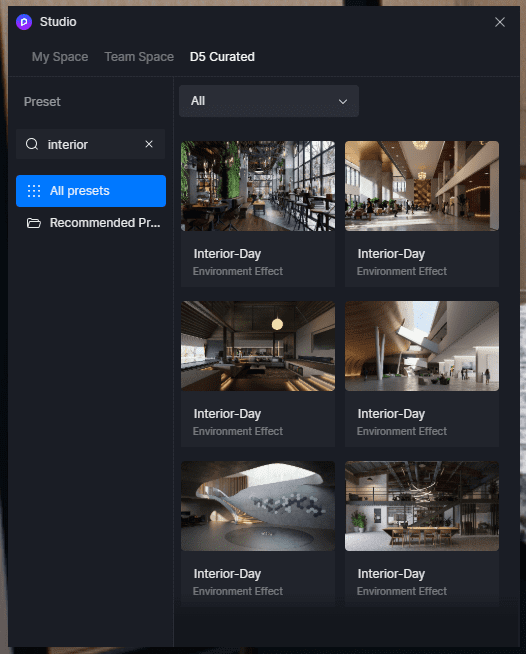
  • Use studio for sharing libraries and settings or use D5 curated presets for one-click lighting and enviro settings.
  • ‍New OneDrive & SharePoint Integration for seamless project file storage and sharing.
  • ‍Custom Brand Watermarks to add company logos to renders.
  • ‍Virtual Tour (online model hosting) improvements.
An overview of the Teams portal for D5
Studio Presets

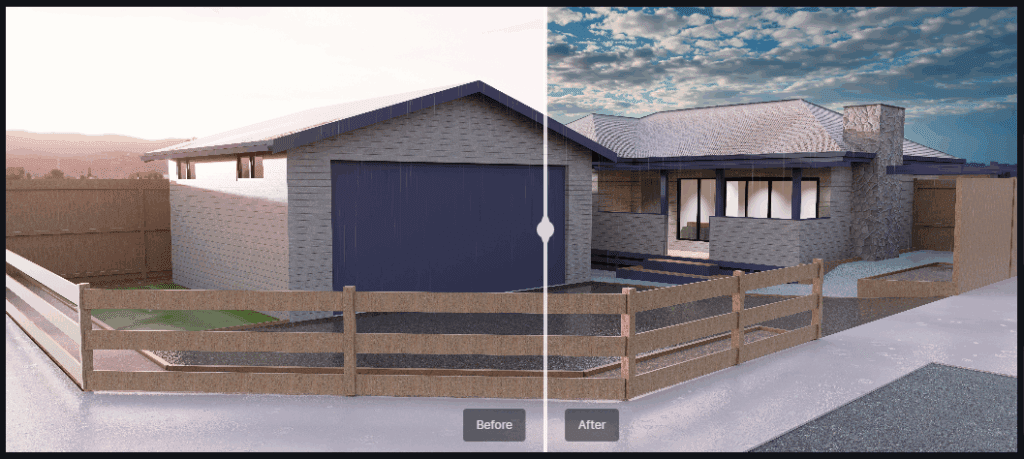
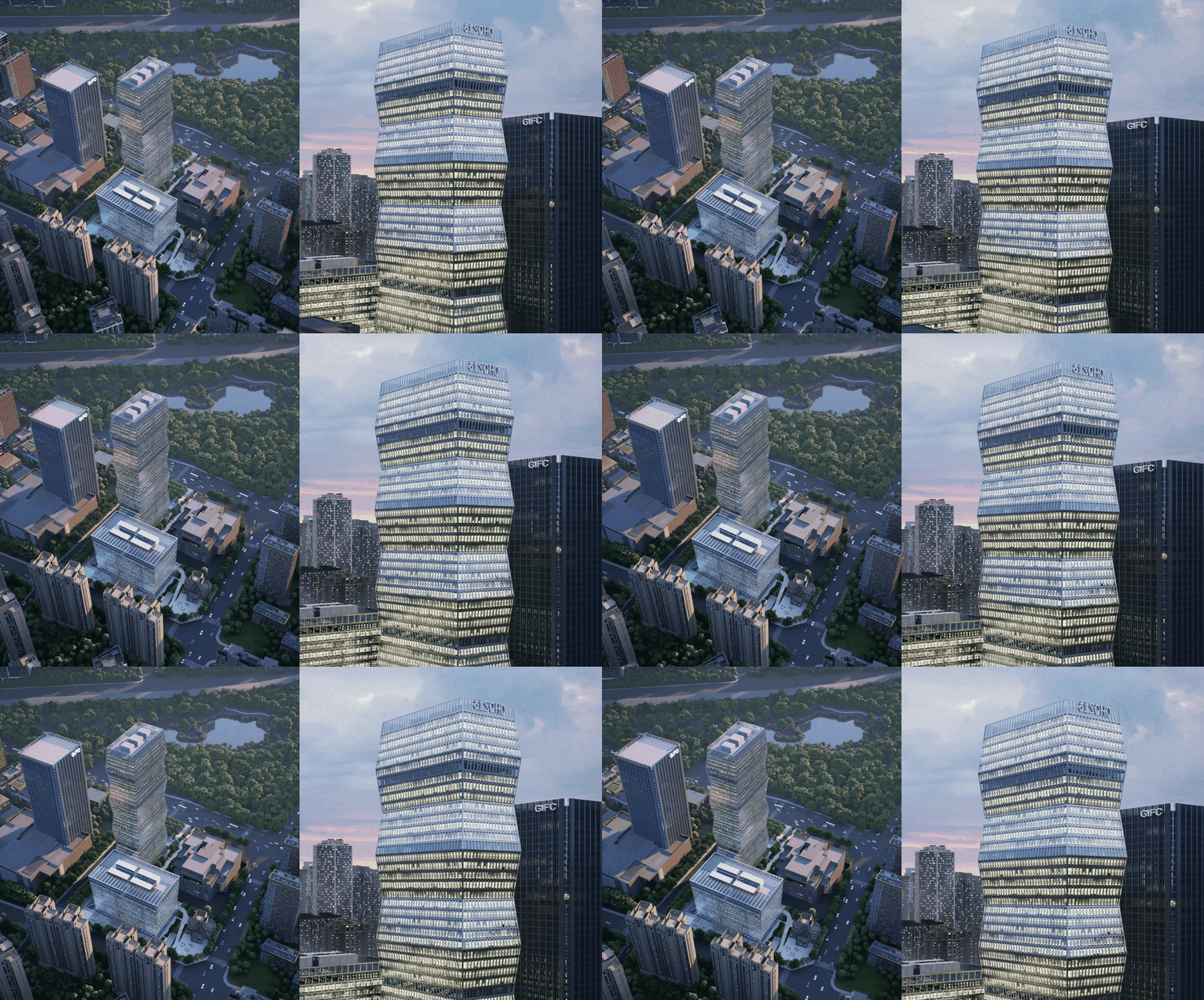
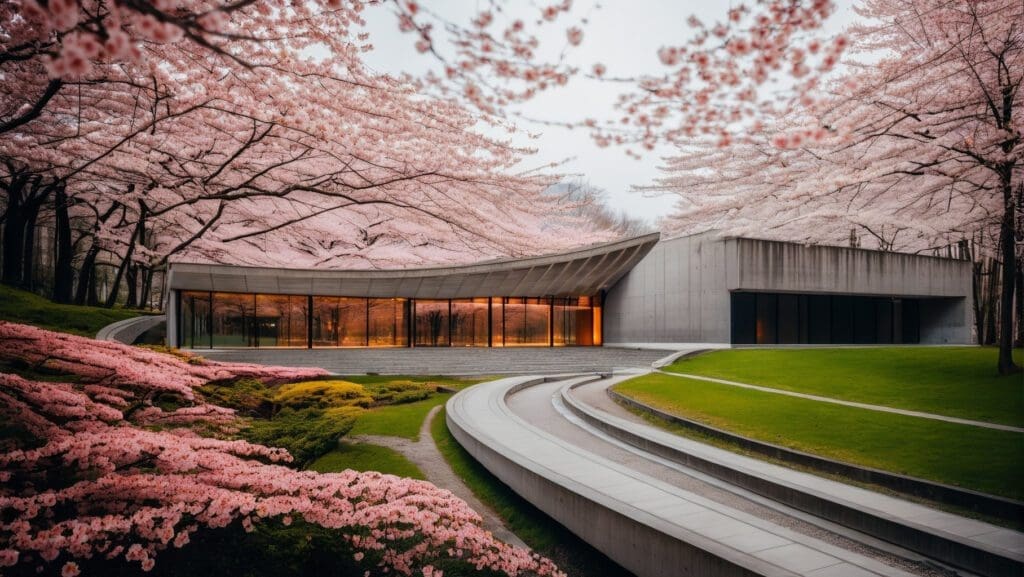
AI Post-Processing

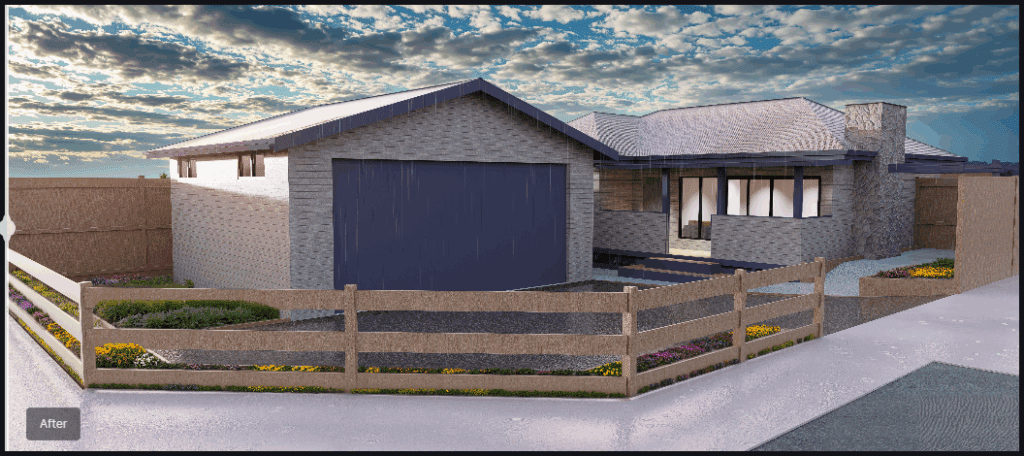
Rendered Image with AI Enhancement

Manual post-processing can be time-consuming and repetitive. D5 Render 2.10 introduces AI-powered tools to automate and refine renders.

AI Inpainting: 

  • In one-click, fill missing elements like sky, vegetation, or water automatically, reducing the need for manual asset placement, enviro refinement and post-render touch ups.

AI Enhancer:

Optimized image improvements.

AI Style Transfer:

Add artistic styles or realistic effects to your image.

Night Sky Simulation

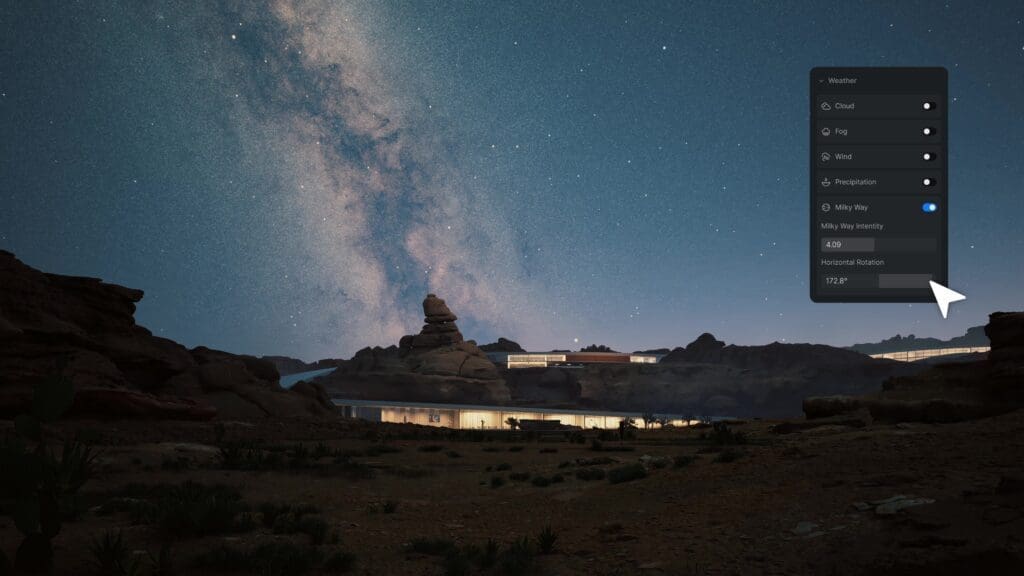
This update enhances outdoor night renders with a Day-Night Cycle in Geo Sky, allowing lighting transitions that mimic real-world conditions.

With customizable Moon & Star Intensity, users can control celestial brightness and positioning, while the Milky Way Simulation adds depth for a cinematic-quality night environment.

Optimized Rain & Snow Effects

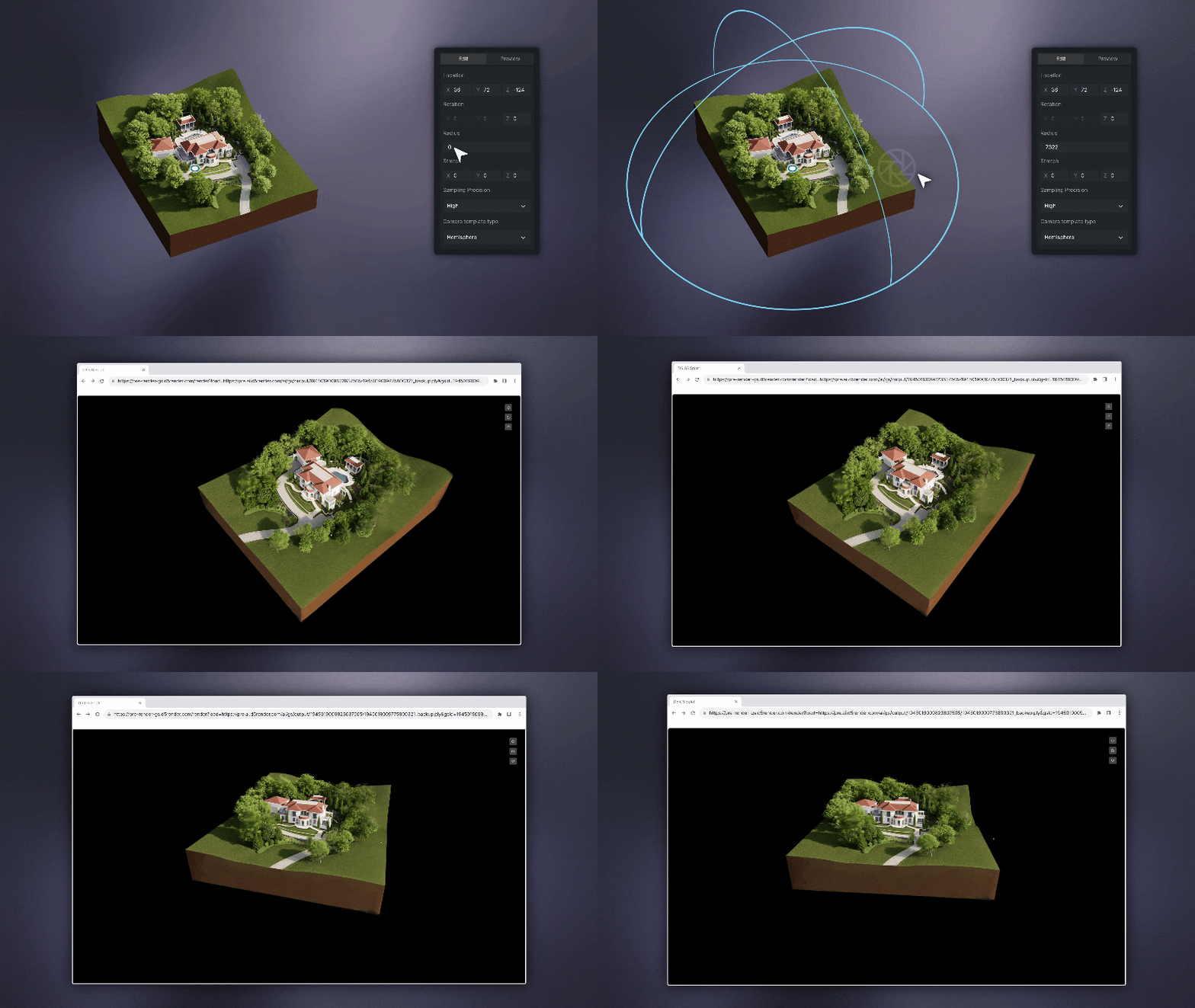
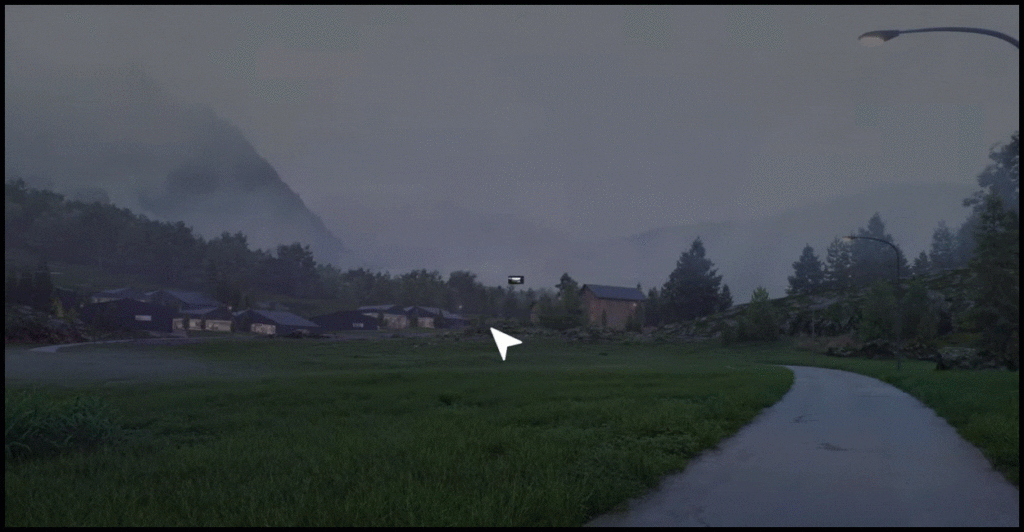
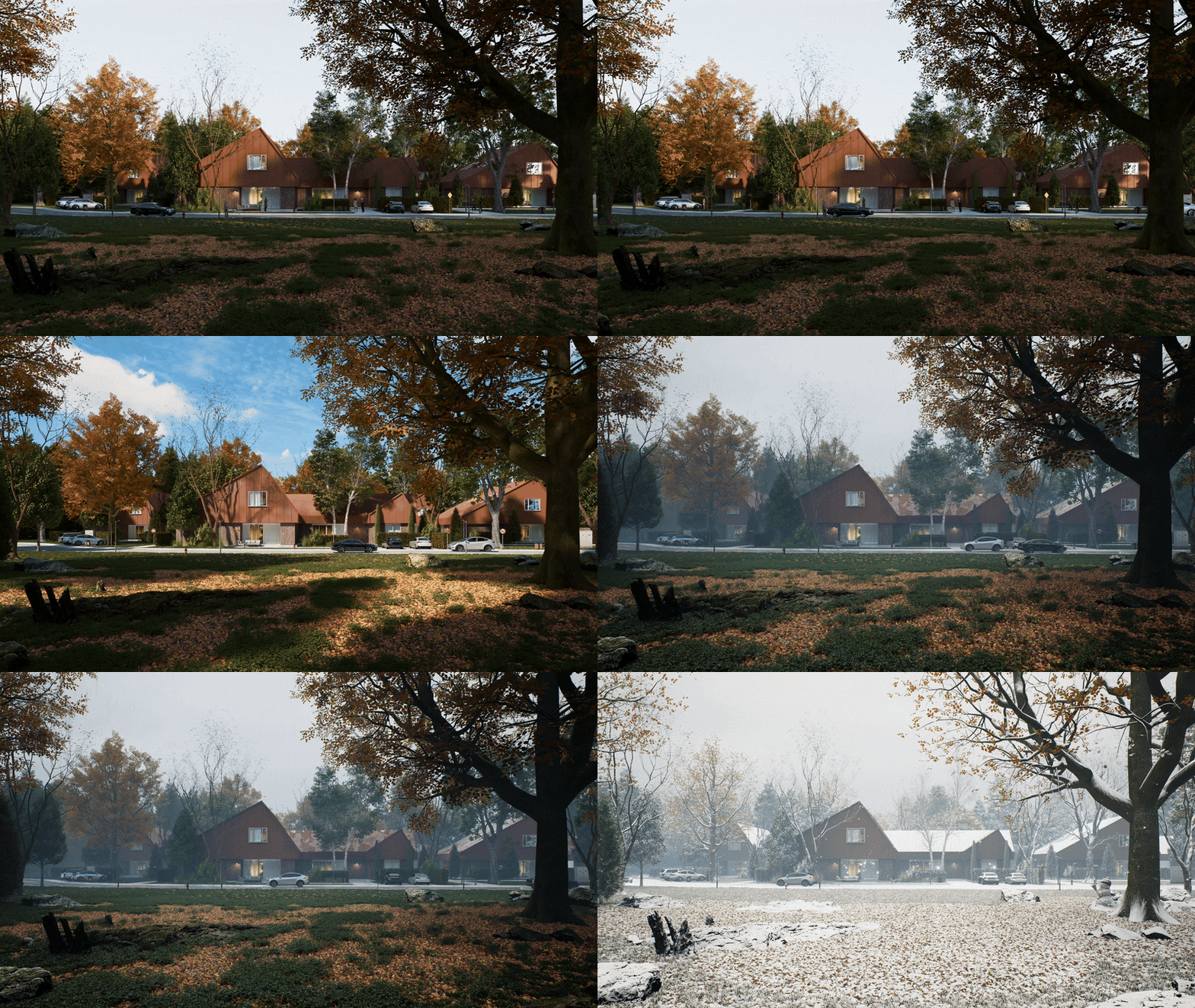
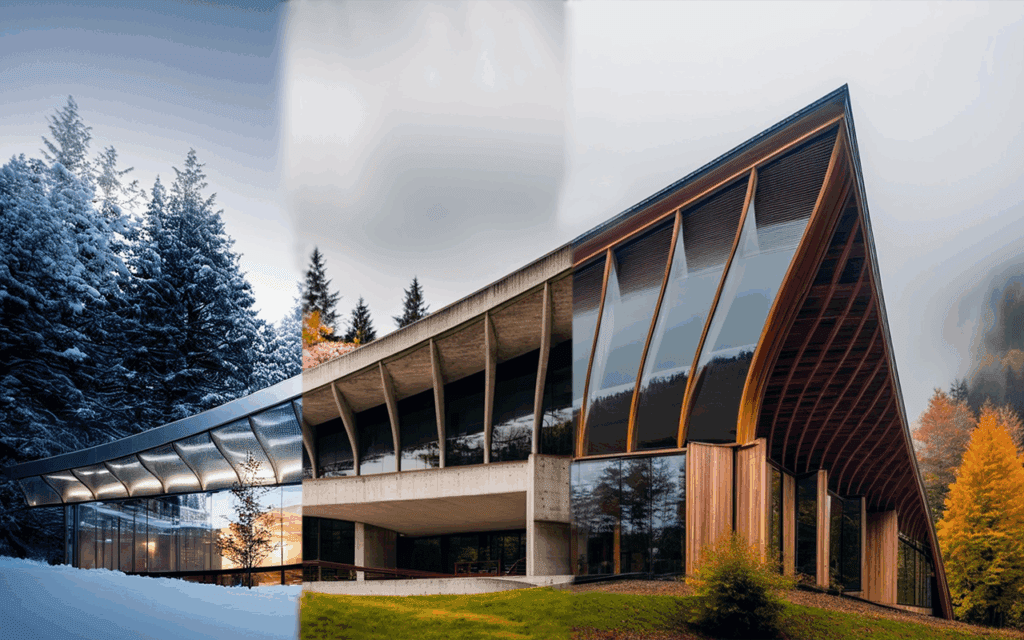
Weather effects have been refined to improve realism, making rain and snow more dynamic and natural. Enhancements include more detailed raindrop and snowflake particles, improved puddle and ripple effects, and a new Water Mist simulation that adds a humid atmosphere to rainy scenes. These updates ensure that weather-sensitive renders look more immersive and lifelike.

City Generator

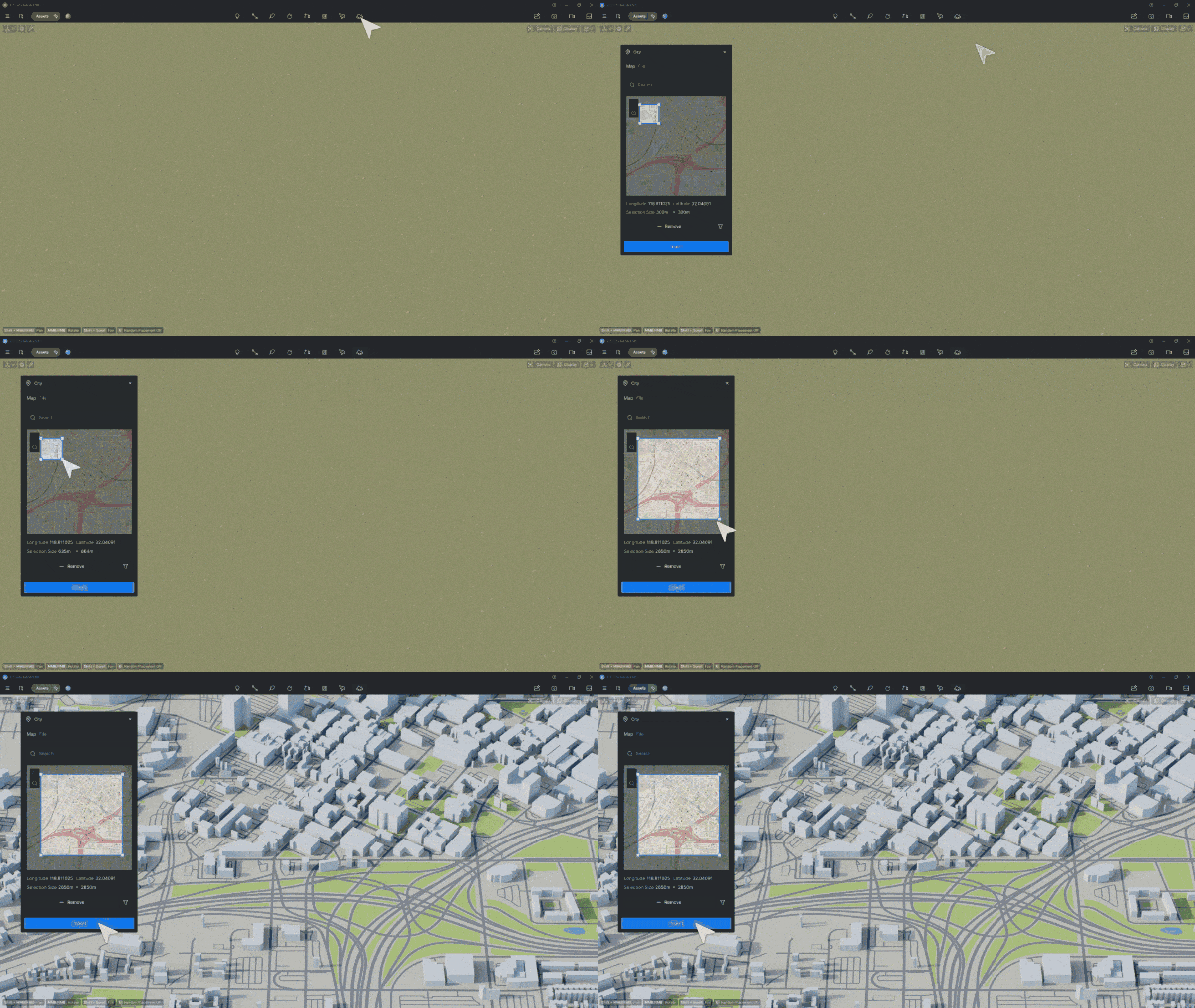
Creating city models manually can be time-consuming and prone to inaccuracies. New Openstreetmap integration automates urban environment creation using real-world data, allowing users to generate detailed city layouts quickly. With customizable building heights, materials, and transparency, users can tailor cityscapes to their design needs. Additionally, Shapefile (.shp) Import supports GIS-based urban planning, ensuring accurate geographic data integration.
City modeling has been further enhanced with City Model Management Tools, allowing users to show/hide elements, modify road widths, and adjust individual building heights with ease.

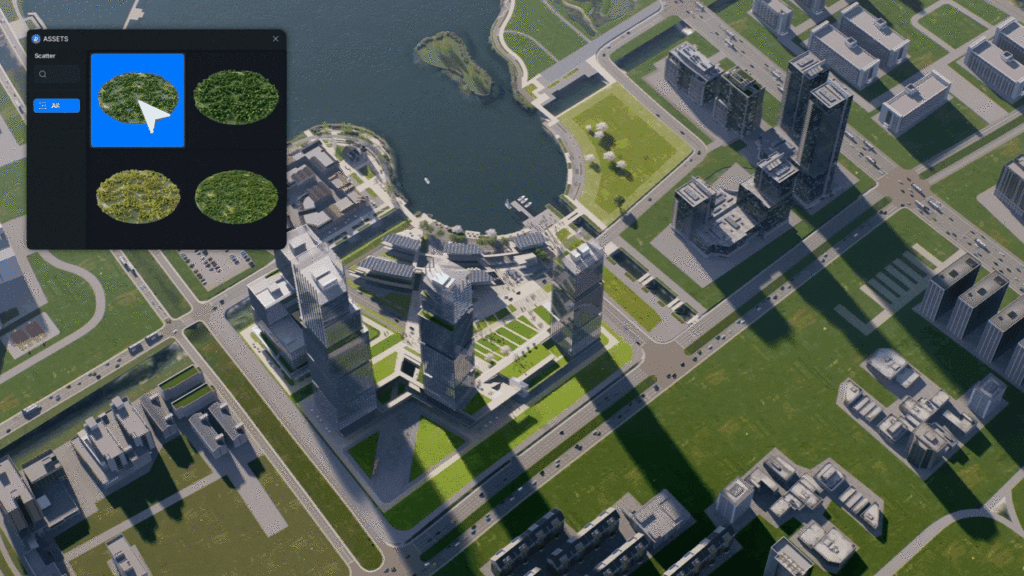
Scatter Templates

New Scatter Templates to speed up vegetation and object placement.

Animation Enhancements

2.10 enhances animation workflows with an optimized Direction Controller for Fly-in/Out Animation Templates, addressing the need for greater precision and control in motion sequences. The original XYZ direction controller has been replaced with new horizontal and vertical rotation degree settings, allowing users to fine-tune movement paths with more accuracy and ease. 

Aside from the above, D5 Render has many great tools, more and more Archviz wizards are choosing it as their preferred solution!

Like what you see?

Chaos Suites – NEW CHANGES FOR YOU

Archviz experts release a new way to bundle suites of design tools. CHAOS ensues.

One Subscription, all the tools

[Insert your favorite Chaos product here] – there are many great options, with new and emerging technology ever-evolving. Don’t you wish there is a way to neatly package them all up in the same subscription? Now there is. 

New and Shiny

Before jumping to pricing, we’d be doing a great disservice not mentioning the latest and greatest reasons to use Chaos products as your choice of visualization software. 

Veras is a next-gen AI visualization tool built for architects and designers who want to turn early-stage ideas into compelling visuals—fast. Developed by EvolveLAB (now part of Chaos), Veras uses your 3D model as a base to generate multiple design options with just a few prompts. Whether you’re exploring bold new forms or refining material palettes, Veras gives you creative control through intuitive sliders, selective rendering, and natural language input. It’s like having a concept artist on call, inspiring in real time.

Evolve labs have other great solutions such as Helix for converting SketchUp or AutoCAD files to native Revit families and Glyph for automated documentation.

Envision

Chaos Envision is a new real-time 3D visualization and animation tool. It’s designed specifically for visualizers and design professionals who need to create high-quality, photorealistic animations quickly, without the heavy prep work.

Chaos Envision

🔍 What Does Chaos Envision Do?


  • Real-Time Ray-Traced Rendering: Delivers cinematic-quality visuals with real-time feedback.
  • Scene Assembly & Chaos Unified Ecosystem: Import and assemble large, complex scenes. Working with Enscape, V-Ray, Corona, Chaos Cosmos, and Chaos Scatter.
  • Massive Scene Support: Handles large files and complex environments without lag.
  • Animation Tools: Create smooth camera paths, object animations, and even crowd simulations using integrated tools like Anima.
  • Design Variations: Easily explore and present multiple design options without re-exporting or re-rendering.

New Buying Guide

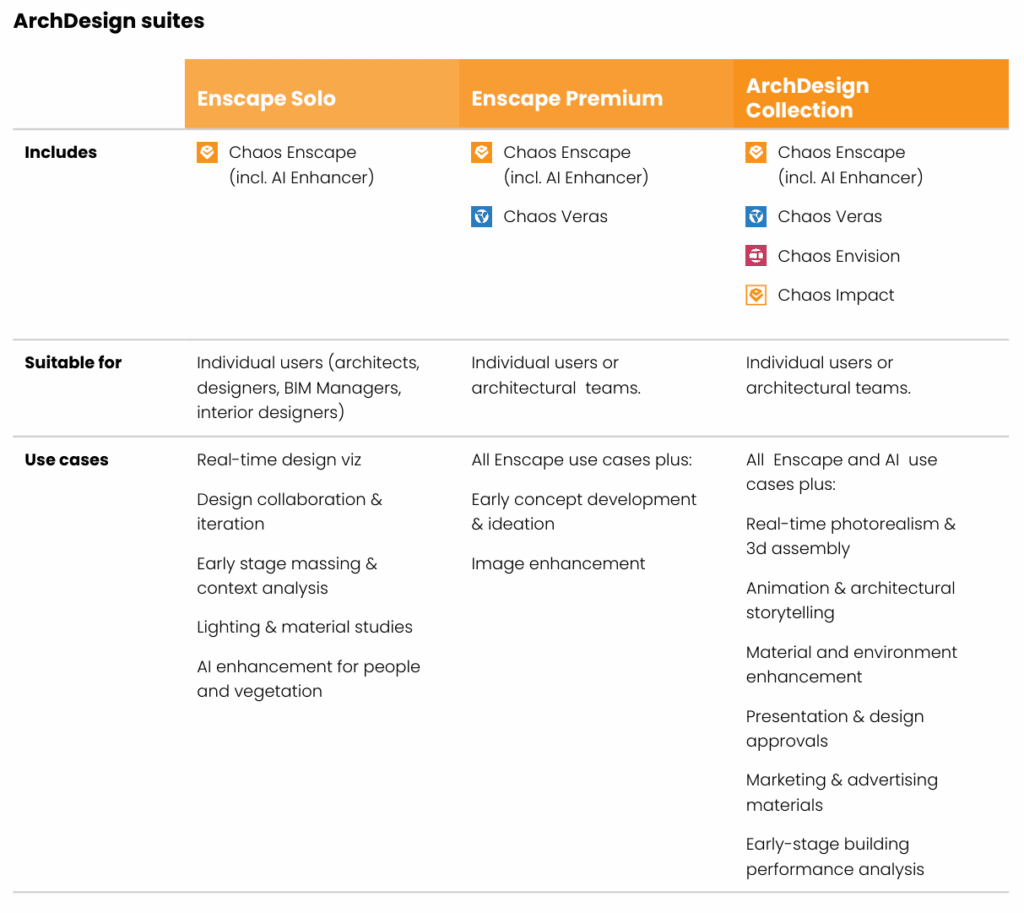
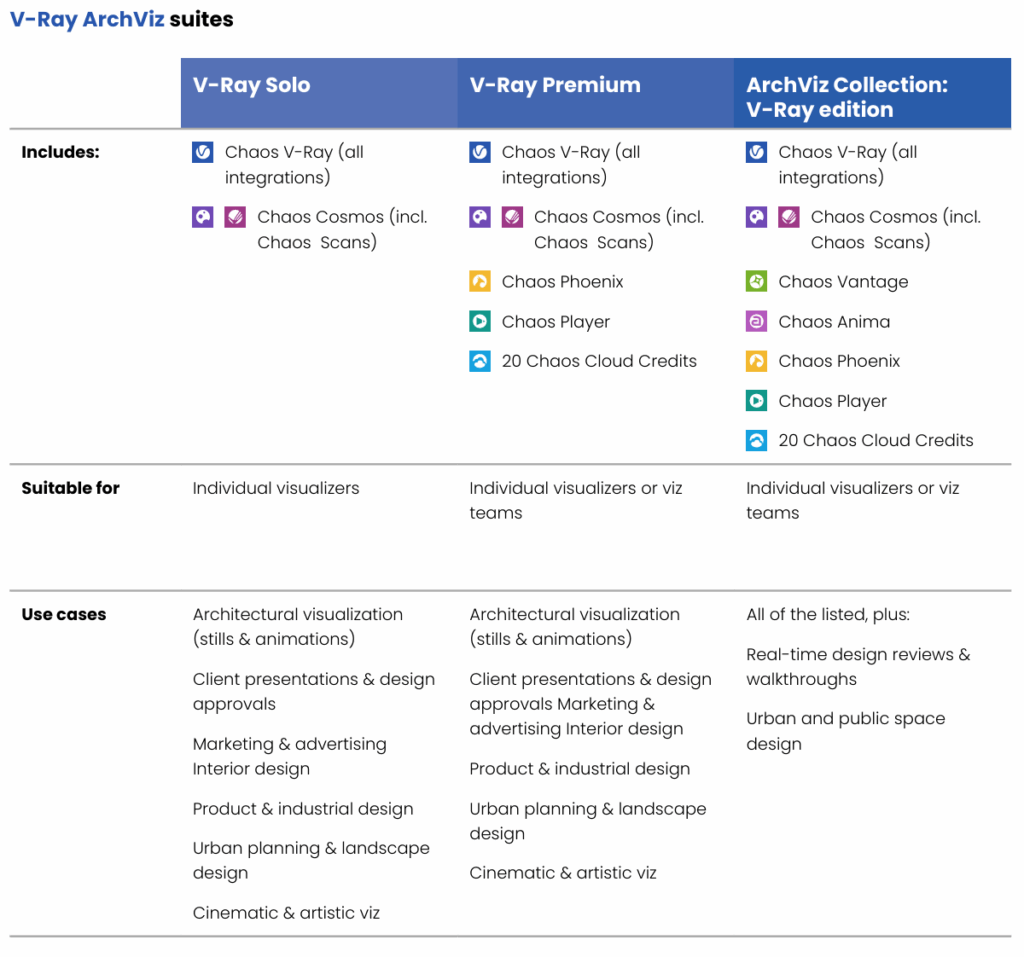
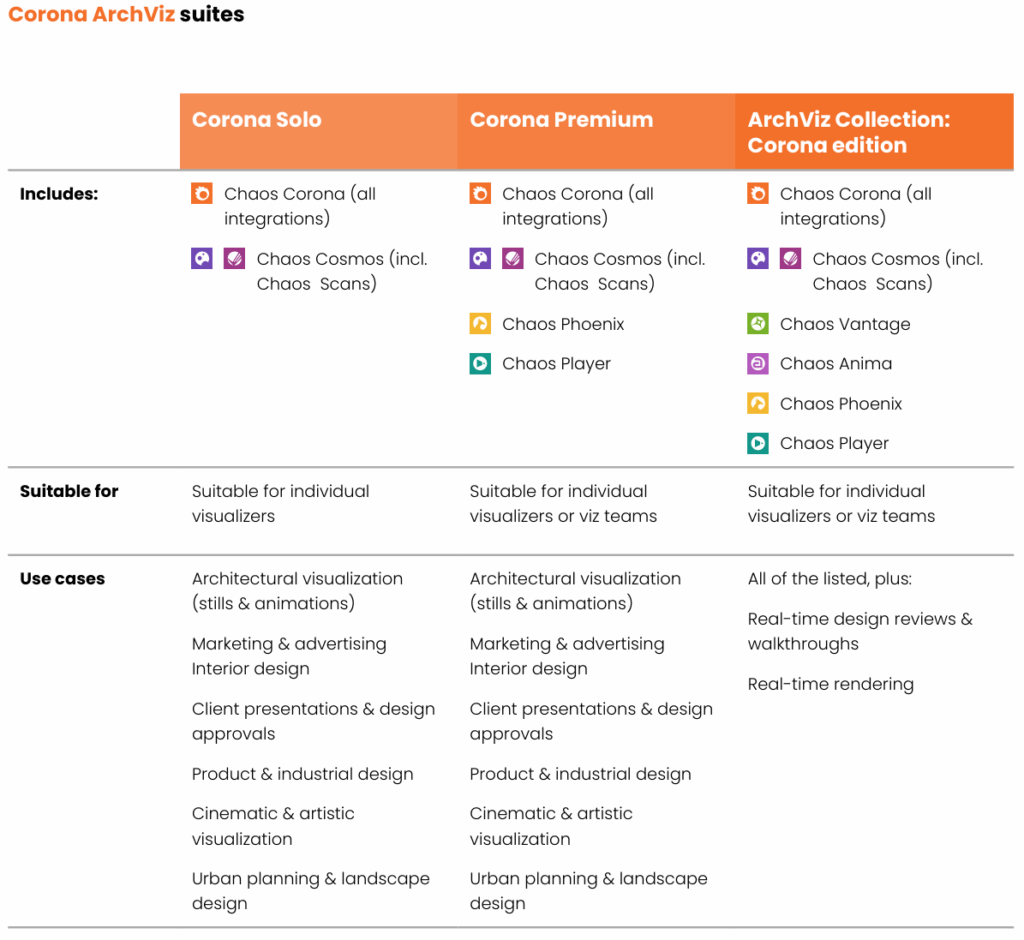
Aside from a host of new products, your favorite products are now available as part of a Collection.

Collections provide additional tools to add realism, generate design options, create early stage building performance reports and create animations for knock-out presentations. 

ENSCAPE

*Licenses are now suites. Fixed licenses are now Named Licenses, each of the suites shown above are available in Named or Floating.*

ArchViz Collection

Chaos ArchViz Suite’s are available in Vray and Corona edition.